
Start with one team
An app for one team needs fewer approvals than a change to the core platform, and it shows results within a few months, not years.
A defined first release
Get the internal tool your team needs, or replace an old system one process at a time
In large organizations, the tool one team needs often waits months behind core platform projects, while staff work around an old system with spreadsheets. We build focused internal applications, prototypes you can test with real users, and replacements for parts of older systems. The old system keeps running while the new one takes over one process at a time, connected through an API. Your IT and security teams can review every step.
An app for one team needs fewer approvals than a change to the core platform, and it shows results within a few months, not years.
A defined first release
Replacing an old system all at once is where budgets and timelines go wrong. We move one process at a time while the old system keeps running behind an API.
Lower risk
A working prototype in the hands of real users answers questions a long specification can’t. You decide on the wider rollout with evidence.
Prototype first
Single sign-on, your cloud, your security review and your documentation standards. Code and access are handed over to your team.
Works with your IT
We design staged replacement around the existing system’s capabilities. Before each stage, agree synchronization, a cut-over rehearsal and conditions for returning to the old process.
From the projects we’ve built in this area.
Choose a specific operation, such as handing an approved job to the ERP. Verify the interface, permissions, errors and repeated transfers. Use that evidence to scope further integrations.
A full replacement means a long stretch without a usable result and a single cut-over day that has to go right. Moving one process at a time gives you something usable every few months and a way back at each step.
Old systems carry years of exceptions, half-used fields and rules nobody wrote down. We spend the first weeks reading the data and talking to the people who use it, because that is where the real requirements are.
Single sign-on, hosting, access reviews and penetration tests take time in a large organization. Agreeing them in week 1 stops a finished app from waiting months for approval. Our app for Slovenská sporiteľňa passed the bank’s penetration test before launch.
We use AI tools to read old code, map fields and draft migration scripts, with a developer responsible for every result. Once the old data sits behind an API, AI assistants can also answer questions from it, through standards such as MCP (Model Context Protocol).
Three common ways to deal with an old system. None of them is right everywhere.
| Full rewrite | Standard platform | Step-by-step replacement | |
|---|---|---|---|
| First useful result | At the end | After setup | Within months |
| Risk on cut-over day | High | High | Low |
| Fits your own processes | Yes | Partly | Yes |
| Old system keeps working meanwhile | Partly | Partly | Yes |
| Can stop or change course midway | No | No | Yes |
| Budget | One large commitment | Licences and setup | In stages |
What we’ve built for clients in this field.
Custom event networking app · Slovakia
The problem
The bank needed a branded app for an event, with participant profiles, a schedule and networking features, that met its security requirements.
What we built
What changed: An event app with profiles, schedules, navigation and messaging that passed the bank’s penetration test before launch.
A typical timeline. We confirm yours after the project workshop.
Day 1
30-minute callWe talk through the system, who uses it and what hurts. You leave with what to build first and a rough price.
Week 1
Workshop and data reviewWe map the process with the people who run it, look at the old data and agree hosting and security with IT. Then a fixed price, before any build starts.
From week 2
Build in 2-week stagesA working demo every week, on test data first, then on an anonymized copy of real data where your rules allow.
Launch
One team, side by sideThe new app runs alongside the old one for one team. You own the code, the repositories and the accounts.
Then
The next process3 months of free bug fixes, then the next slice, with us or with your own developers.
Systems we’ve built that are close to this one.
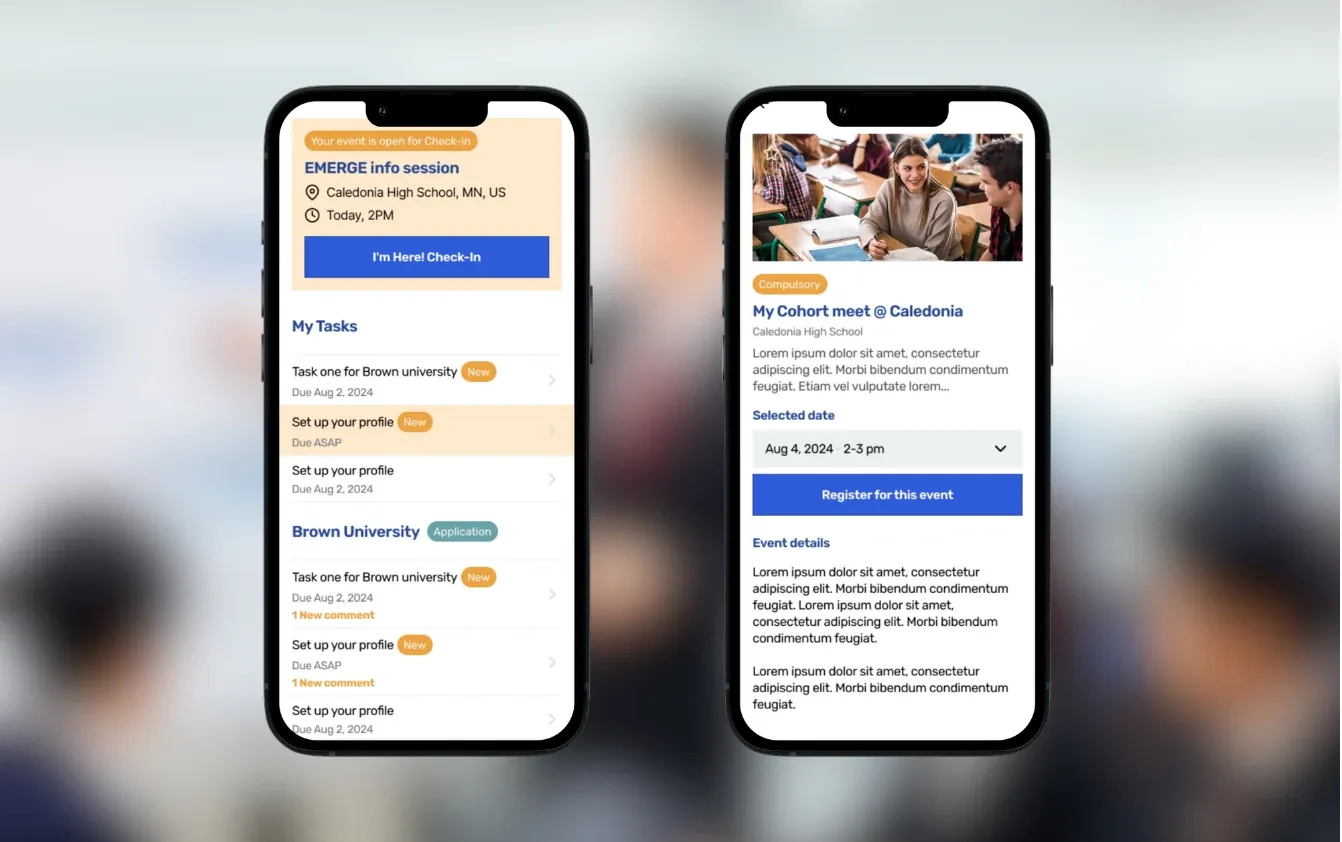
College-access platform for recruitment, scholar success, and alumni tracking
Read the case study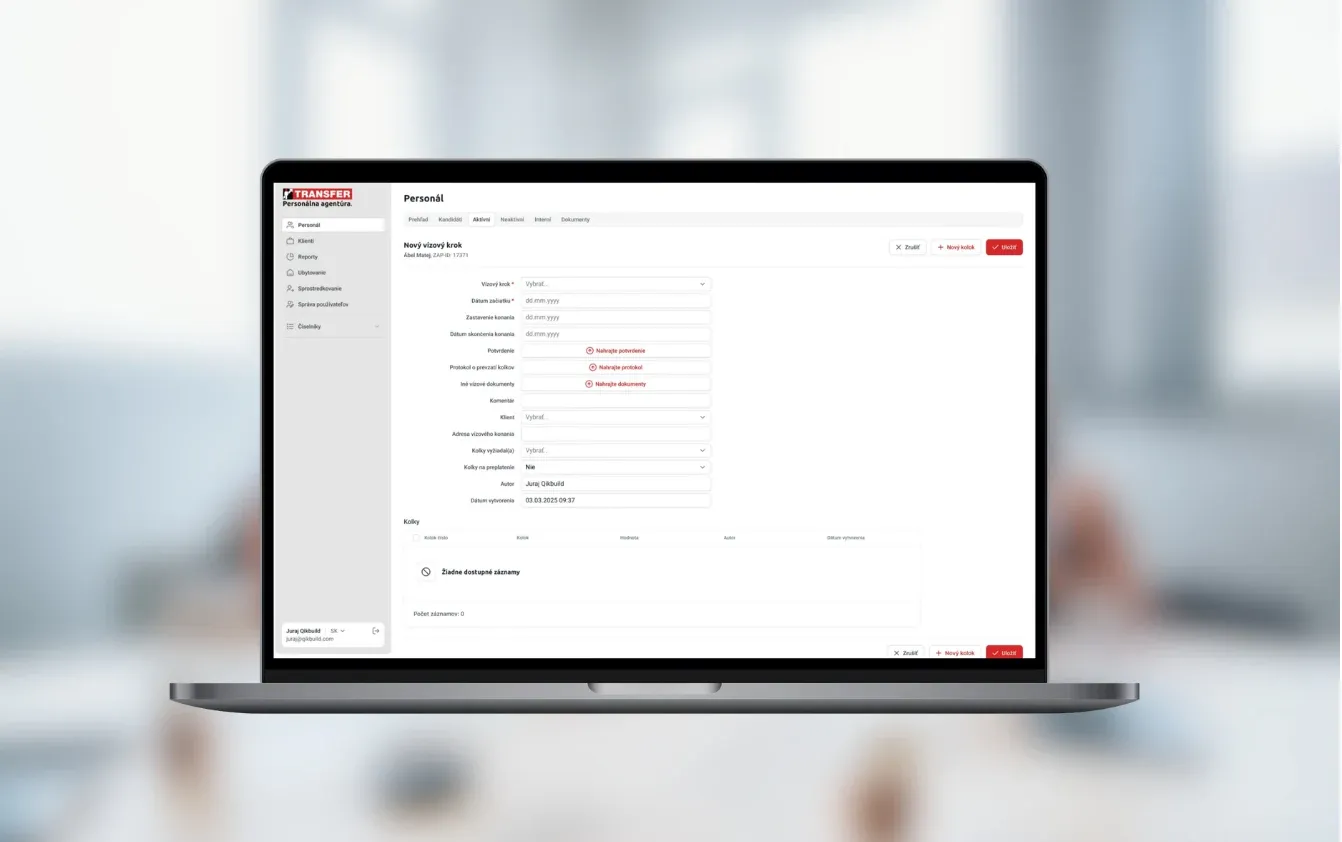
Workforce platform for temporary staffing, recruitment, compliance checks, and payroll administration
Read the case study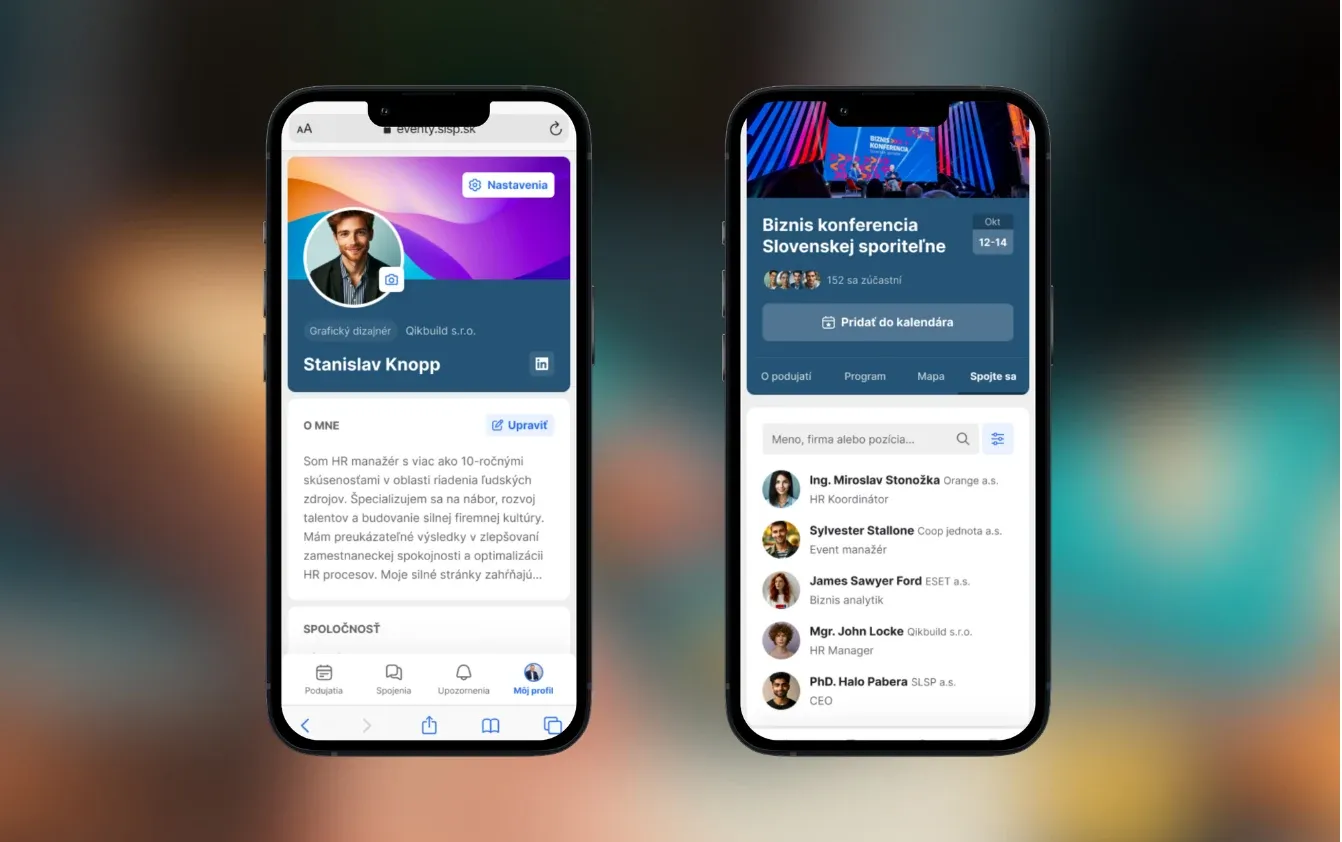
Event networking app for a bank
Read the case studyYes, usually with one department or team at a time. That can be an internal application, a prototype or the replacement of part of an older system. We work within your IT, security and procurement rules.
We plan the switch in stages and verify overlap options before building. Agree the source of valid records, reconciliation, a cut-over window and conditions for returning to the previous process. Zero downtime cannot be promised without understanding the original system and its dependencies.
Usually yes, through APIs, database connections, message queues or file exchanges. Single sign-on with Microsoft Entra ID or Google Workspace is standard. Sometimes the safer choice is to keep a new tool separate and sync only the data it needs.
Wherever your rules require. That can be your own cloud account on AWS, Azure or Google Cloud, your own servers, or hosting we set up for you. Either way, the accounts are yours.
An internal tool for one process, connected to 1–2 systems, costs €5–10k. A connected system with 10+ features costs €10–30k, and replacing older software with many integrations starts at €30k. We agree a fixed price after the project workshop, before any build starts.
Our past projects took 6 weeks to 3 months to reach a first version. Internal security reviews and approvals can add time, so we start them in the first week rather than at the end.
Yes. One option is a provider with EU hosting and a contract that excludes training on your data. The other is an open-weight model such as Llama, Mistral or Qwen, running on your own infrastructure. Which one fits depends on your data rules and how much you’ll use it.
Your choice. You get the code, the documentation, the repositories and the accounts, so your own team can take over. We fix bugs free of charge for 3 months, then offer optional monthly support.
No. If the ERP handles accounting or inventory well, we can add a portal, approvals or data transfers. First we check specific API operations, permissions and licenses. Replacing the entire ERP is a separate project with its own discovery.
Agree repositories, access, deployment documentation, integration interfaces and operating procedures. Acceptance includes running the agreed scenarios and defining responsibilities after launch.
Tell us what the system does and who depends on it. We’ll suggest the first slice to replace, or the internal tool to build, and what it would cost.

JurajCEO, QikBuild
You leave the call with
Or write to hello@qikbuild.com