
Deadlines nobody has to remember
Each matter has its stages and due dates, with reminders to the responsible lawyer and a stand-in. Nothing depends on one person’s calendar.
Deadline tracking
Keep matters, deadlines, documents and client updates connected
In many firms a case lives in an email thread, a folder of PDFs and one lawyer’s memory of the next deadline. Clients call to ask what’s happening, and associates spend evenings on first drafts that follow the same template. We build software that tracks every matter and its deadlines, generates standard documents from your templates and gives clients a portal to check status and send files. AI can summarise and draft; a lawyer always reviews the result.
Each matter has its stages and due dates, with reminders to the responsible lawyer and a stand-in. Nothing depends on one person’s calendar.
Deadline tracking
Engagement letters, powers of attorney, contracts and standard filings are built from your templates and the matter data. Lawyers edit and approve instead of copying from the last similar file.
Template documents
A portal shows the stage of each matter, asks for missing documents and keeps messages in one thread instead of scattered emails.
Client portal
Intake, conflict checks, approvals and billing milestones follow the way your firm works, not a generic practice-management template.
Your workflow
Most firms don’t need AI everywhere. It earns its place in two steps, sorting what comes in and preparing first drafts.
From the projects we’ve built in this area.
Language models can write confident text that cites cases or clauses that don’t exist, and courts have already sanctioned lawyers for filing such citations. We build legal AI to answer only from documents you provide, show the source passage for every statement and leave the final text to a lawyer.
Most of the time saved on documents comes from good templates filled with matter data, not from AI. A power of attorney shouldn’t be “written” by a model at all. Use AI where the text genuinely varies, such as summarising a long contract or comparing two versions of it.
Client files are confidential and full of personal data. Before adding any AI feature, agree which documents may go to an external AI service (EU hosting, no training on your data) and which must stay on your own servers. For the most sensitive work, private AI on self-hosted models is an option.
Replacing a whole practice-management system at once is a big project, mostly because of data migration and habits. A portal for one service, or automating one family of documents, shows results within weeks and tells you what the next step should be.
Many firms are well served by an off-the-shelf practice-management app. Custom software makes sense when your services, documents or client experience are what sets you apart.
| Email and shared folders | Practice-management app | Custom system | |
|---|---|---|---|
| Deadline tracking | Partly | Yes | Yes |
| Documents from your own templates | No | Partly | Yes |
| Client portal for your services | No | Partly | Yes |
| AI that answers only from your files | No | Partly | Yes |
| Fits an unusual service or product | No | No | Yes |
| Cost to start | None | Monthly fee per user | One-off build price |
| Ready to use | Today | Days to weeks | 6 weeks to 3 months |
What we’ve built for clients in this field.
Legaltech platform · Europe
The problem
The team needed a platform where clients could use legal services online.
What we built
What changed: A platform for taking client requests and providing legal services online. In the client’s words, a fully working product in two months, for a fraction of what traditional agencies cost.
Certification platform · Europe
The problem
The business needed a digital workflow for bookings, documents and the work of its commissioners.
What we built
What changed: Bookings, document generation and commissioner administration handled in one platform.
A typical timeline. We confirm yours after the project workshop.
Week 1
Project workshopWe map one process with the lawyers and staff who run it, for example intake, one family of documents or client updates. You get a fixed price before any build starts.
Weeks 2–3
Matters and templatesYour matter types, stages and document templates set up, with a demo every week on anonymised real examples.
Weeks 4–7
Pilot with one practice areaThe portal or document automation used by a few lawyers and real clients, adjusted after each demo.
Launch
The whole firm moves overYou own the code, repositories and accounts. We fix bugs for free for 3 months.
Then
AI and more servicesSummaries, drafting help and search, added where the pilot shows they would save time.
Systems we’ve built that are close to this one.
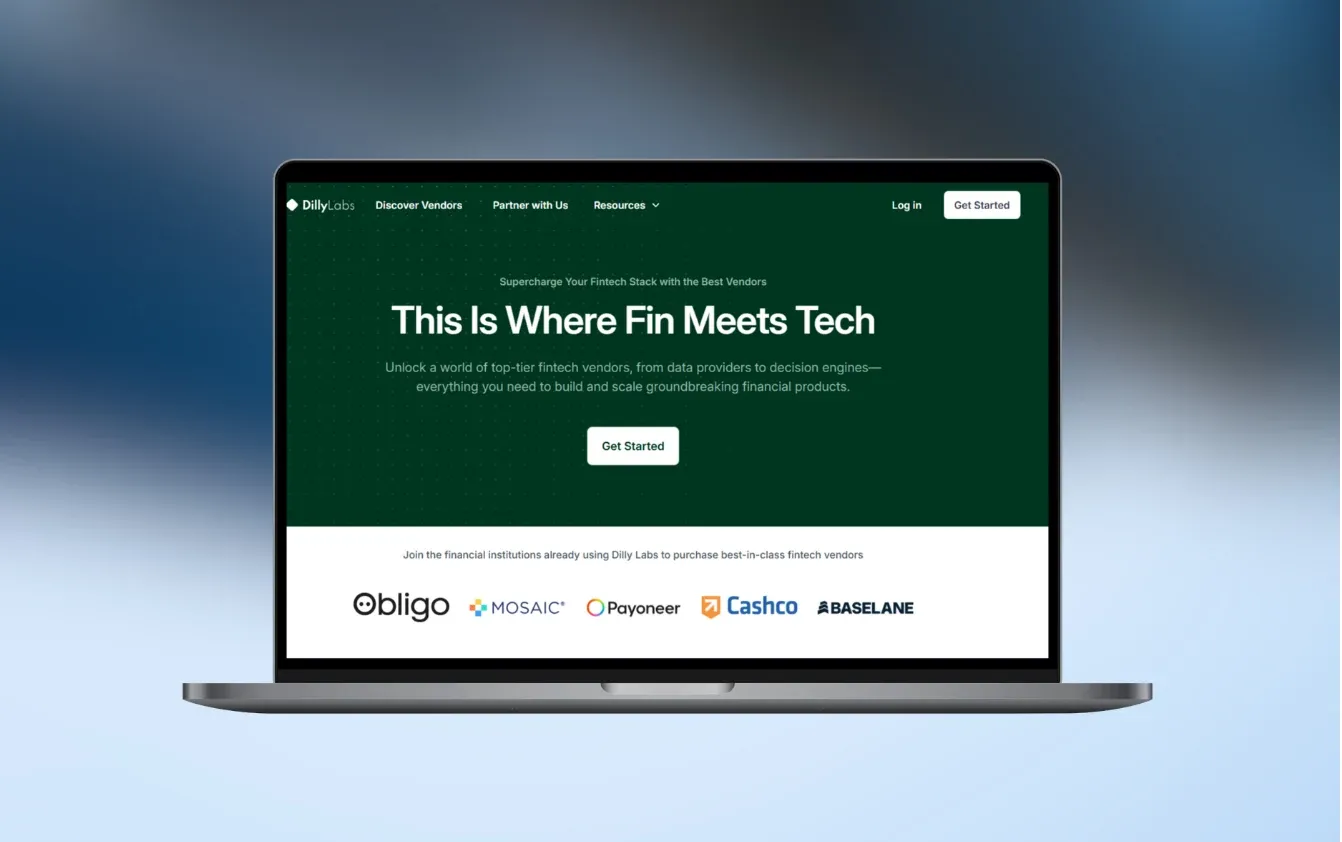
Tools for financial institutions to compare vendors, collect proposals, and record their decisions
Read the case study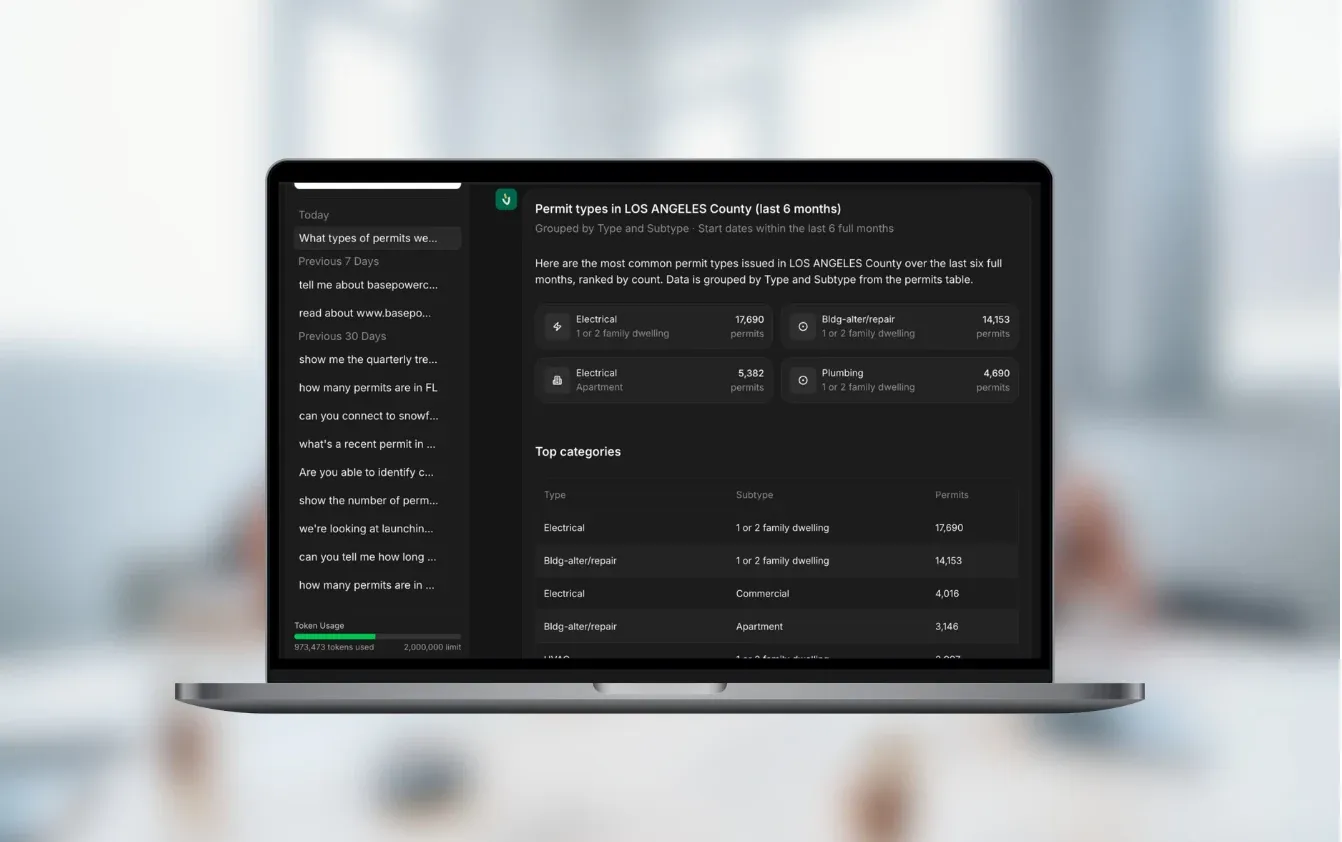
An AI assistant that answers questions about building permits and contractors using current database records.
Read the case studyNo. Small firms often gain more, because the same two or three people do the legal work and the admin. A first version can cover one area, such as intake and client updates, or one family of documents.
If it fits, yes. Off-the-shelf apps handle matters, time and billing well for a classic practice. We build when your services or documents don’t fit them, or when you sell legal services online. We can also add a portal or automation connected to the app you already use.
Automating one family of documents, or a simple intake connected to one or two systems, usually costs €5–10k. A client portal with matter management is typically €10–30k. A legaltech platform with payments and many integrations starts at €30k. We fix the price after the project workshop.
Our past projects reached a first version in 6 weeks to 3 months. MyLegalTeam.ai had a working product in about two months. Migrating years of matters from an old system adds time, so we often start with new matters only.
We don’t build it to. AI can summarise documents, pull out dates and parties, find relevant passages and draft text for a lawyer to review. Anything a client receives as advice is checked and approved by a lawyer, and the system records who approved it.
Access is set per matter and per role, every opened file is logged and data is hosted in the EU. For AI we use providers that don’t train on your data, or open-weight models on your own servers when files must not leave them. Your data protection and professional rules set the requirements; we build to them.
Yes, in most cases. Typical connections are Microsoft 365 or Google Workspace for email and calendars, e-signature services, accounting and invoicing software, and practice-management apps that have an API. Where there is no API, we use exports or a shared folder.
You do. The code, repositories, accounts and data belong to you, which matters most for legaltech products, where the platform is the business. We fix bugs for free for 3 months, then offer optional monthly support.
Tell us about one process, such as intake, a family of documents or client updates. In 30 minutes we’ll tell you what to build first, whether AI belongs in it and a rough price.

JurajCEO, QikBuild
You leave the call with
Or write to hello@qikbuild.com