
Made for the site, not just the office
Site managers fill in reports on a phone, often with gloves on and a weak signal. Big buttons, photos, ticks and offline drafts matter more than a long feature list.
Works on site
Manage projects, schedules and stock in one system your site and office teams share
On many sites the schedule lives in one spreadsheet, the stock in another and the day’s progress in a chat group. The office finds out about problems a day late. We build systems where site reports, schedules, materials and documents sit in one record for each job, shared by site managers, the warehouse and the office. You can start with the process that causes the most delays, without replacing your ERP.
Site managers fill in reports on a phone, often with gloves on and a weak signal. Big buttons, photos, ticks and offline drafts matter more than a long feature list.
Works on site
The schedule, materials, photos, defects and documents for a job sit together. Nobody has to ask which spreadsheet is the current one.
Shared job records
Delays, missing materials and defects reach the office on the evening they happen, not at the Friday meeting.
Same-day overview
Daily site reports, material requests or defect lists can each be a first version. You don’t have to replace your ERP or accounting system to fix one of them.
Practical scope
A typical day once the system is in place. The site manager spends a few minutes on a phone, and the office gets the rest without chasing anyone.
From the projects we’ve built in this area.
The site report is the part most systems get wrong. Nobody types paragraphs at the end of a shift. We design the form with the people who fill it in during the first week, using photos, ticks, a few numbers and an optional voice note. Everything else can be worked out in the office.
Before building, agree where job costs, the schedule and stock levels really live. If your ERP keeps the costs, the new system should read them from there, not keep a second copy. These projects go wrong when two systems both think they are right.
AI is good at turning voice notes into reports, reading delivery notes and supplier invoices, and answering questions such as “which jobs are waiting for windows?”. It is not good at scheduling a site. Sequencing crews and machines is a job for clear rules and an experienced planner.
Basements, new builds and factory halls often have poor signal. The app has to save drafts on the phone and send them when the connection returns. Otherwise people go back to paper, and the office goes back to phoning around.
All three are reasonable choices. It depends on how standard your process is and how many systems need to work together.
| Spreadsheets and chat groups | Construction SaaS | Custom system | |
|---|---|---|---|
| Cost to start | None | Monthly fee | From €5k, one-off |
| Works on site from a phone | Partly | Yes | Yes |
| Follows how your crews actually work | Partly | Partly | Yes |
| Connects to your ERP or accounting | No | Partly | Yes |
| Stock and production in the same record | No | Partly | Yes |
| Time to get going | Today | Days to weeks | 6 weeks–3 months |
What we’ve built for clients in this field.
Lift construction operations platform · Europe
The problem
The company needed one place for project planning, delivery, shared know-how and warehouse coordination.
What we built
What changed: Project planning, internal instructions and warehouse work brought together in one system.
A typical timeline. We confirm yours after the project workshop.
Day 1
30-minute callYou describe the process that causes the most delays. You leave with what we’d build first and a rough price.
Week 1
Project workshopWe map the process with site managers, the warehouse and the office, then agree a fixed price before any build starts.
From week 2
Build in 2-week stagesA working demo every week. Site managers try the app on a real job early, while changes are still cheap.
Launch
One site firstWe start with one site or one crew, fix what gets in the way, then roll out. You own the code, the repositories and the accounts.
+3 months
Free bug fixesThen optional monthly support, or the next process on your list.
Systems we’ve built that are close to this one.
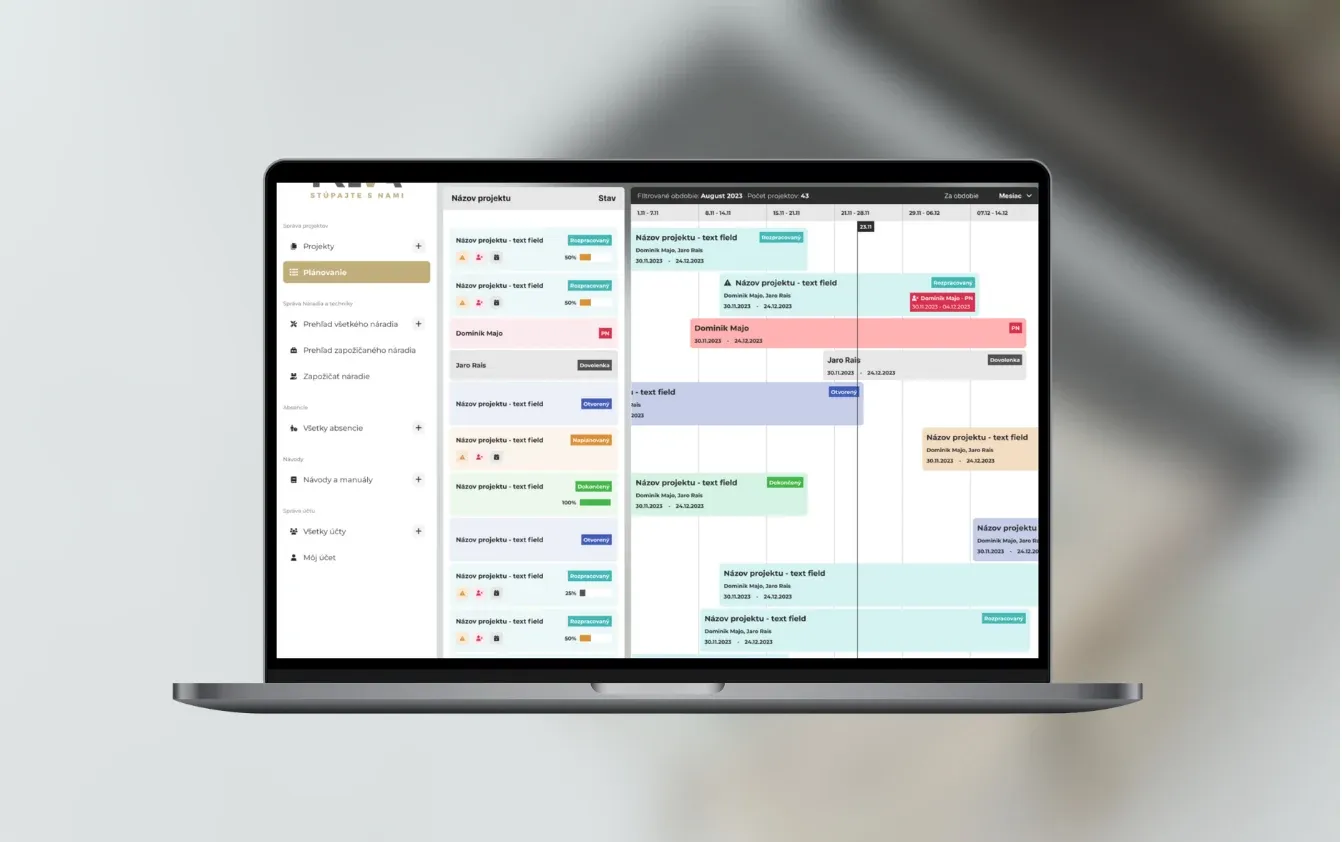
A construction project platform combining progress dashboards, assigned tasks, documents and team collaboration.
Read the case study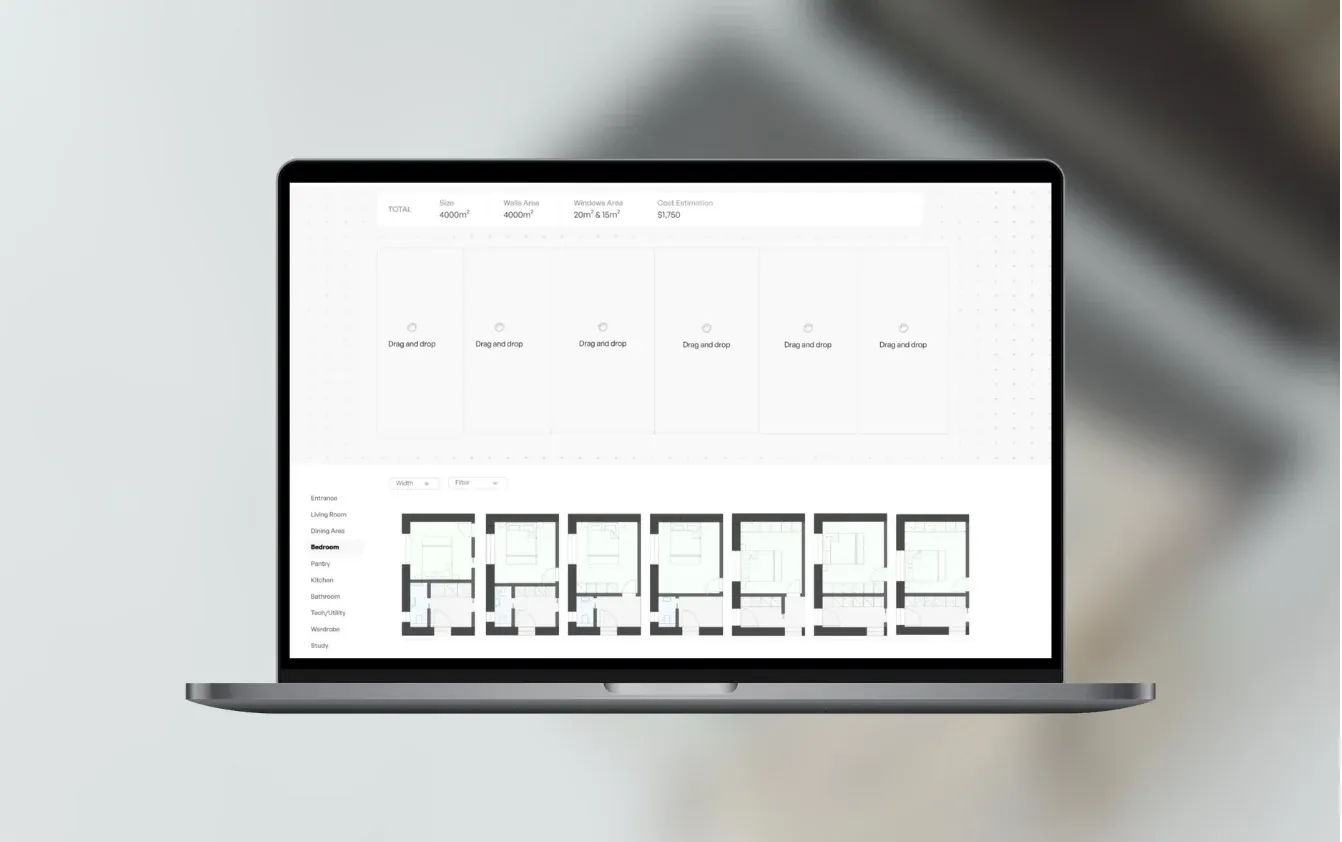
Platform that allows users to create floor plans for their passive homes.
Read the case study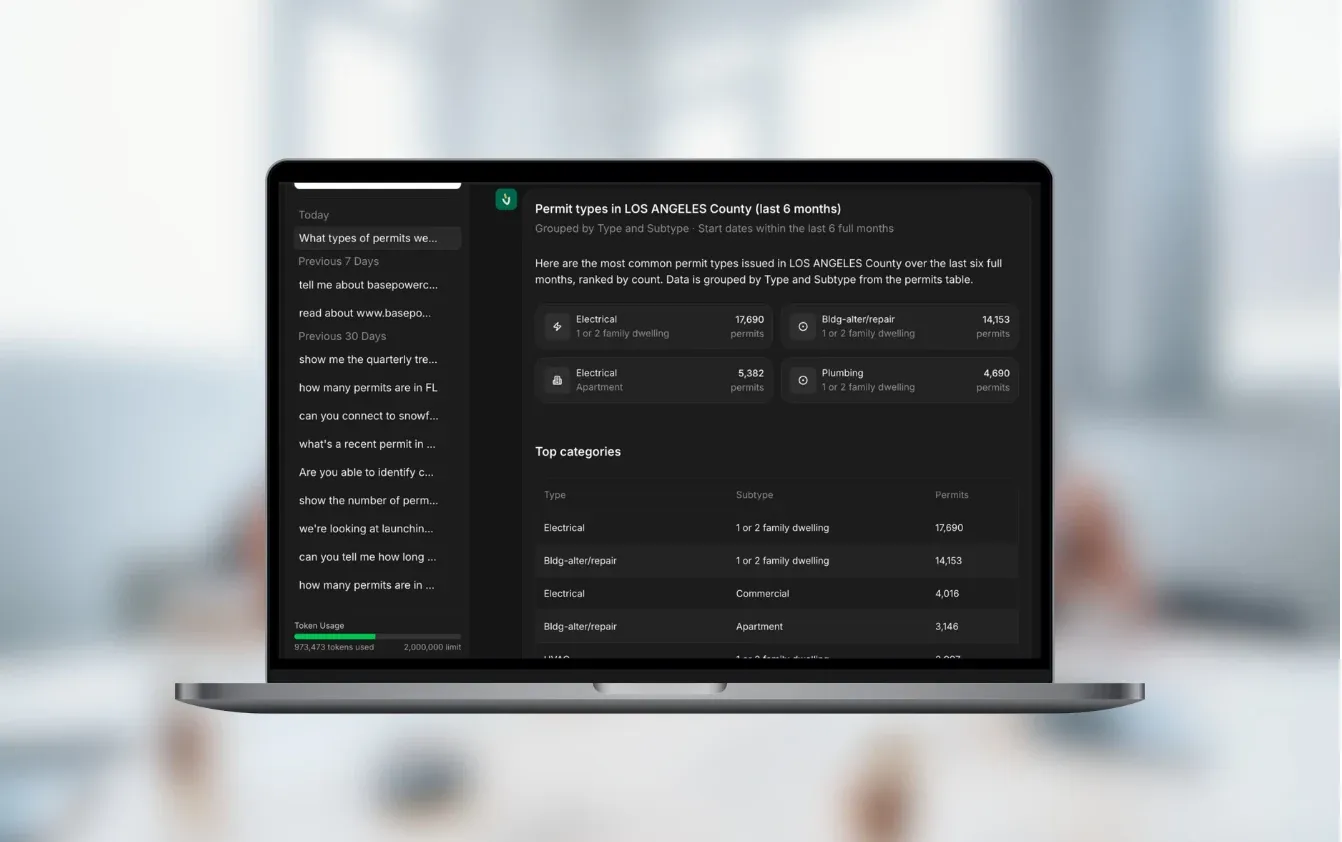
An AI assistant that answers questions about building permits and contractors using current database records.
Read the case studyYes. Most teams we work with are small or mid-sized, with a few crews or one workshop and more jobs than their spreadsheets can follow. A first version can cover a single process, such as daily site reports, so the cost stays in proportion.
Yes, and that is one of the most common starting points. We import your current sheets, keep the columns your team relies on and add what a spreadsheet does badly. That means a phone view for the site, a history of changes and alerts when a job slips.
Only if it is faster than what they do now. We design the site screens with them in the first week and test them on a real job early. Photos, ticks and voice notes beat typing, and the app keeps working when the signal drops.
Usually yes, through the software’s API, a database connection or regular file exports. Common examples are ERPs, accounting systems, Excel or MS Project plans and cloud storage for drawings. We check what your tools allow before we quote.
It depends on the scope. As a guide, one process such as a site report app connected to 1–2 systems costs €5–10k. A connected system with planning, stock and reports costs €10–30k, and replacing older software with many integrations starts at €30k. We agree a fixed price after the project workshop, before any build starts.
Our past projects took 6 weeks to 3 months to reach a first version. You see a working demo every week, and site managers can try the app on a real job well before launch.
In the paperwork around the work. AI turns voice notes and photos into site reports, reads delivery notes and supplier invoices, and answers questions about jobs from your own records. Scheduling and pricing decisions stay with your people, and if a simple rule does the job, we use the rule.
You do. At launch you get the code, the repositories and the accounts. We fix bugs free of charge for 3 months, then you can choose monthly support or have your own team take over.
Tell us how a job runs today, from the order to the final invoice. We’ll tell you which part to build first and roughly what it would cost.

JurajCEO, QikBuild
You leave the call with
Or write to hello@qikbuild.com