
Match the event format
A tournament, a conference and a networking event need different registration rules, such as teams or individuals, approvals, categories and capacity. The system follows yours.
Fits your format
Manage registrations, payments and the event program in one place
Standard event tools work well for a standard conference. When your format has team registrations, approvals, tournaments or networking that really matters, organizers end up stitching together forms, spreadsheets and email. We build event platforms where registration, payment, the program, check-in and attendee networking share one record. The same platform can then run your next event, not just this one.
A tournament, a conference and a networking event need different registration rules, such as teams or individuals, approvals, categories and capacity. The system follows yours.
Fits your format
Profiles, search, saved contacts and messaging turn a list of attendees into meetings. For many events, that is the reason people come.
Attendee networking
Registrations, payments, changes, badges and attendance live in one place, so the team stops reconciling spreadsheets the night before.
Shared event records
The event date doesn’t move. We agree what must work on the day and what can come later, and we test the busiest moments before they happen.
A fixed deadline
How registration, payment and the day itself run once the platform is in place.
From the projects we’ve built in this area.
Event software is under the most pressure at two moments, when registration opens and when the doors open. We test both with realistic numbers before the event, and plan for check-in to keep working if the venue Wi-Fi fails.
Attendees search by company, role and interest. If registration asks for none of that, the networking features have nothing to work with. Decide what people should be able to find before you design the sign-up form.
If you run events every year, the second one should cost much less than the first. Keep what changes per event (program, prices, branding) separate from what stays, and the same system runs next year.
Banks and large sponsors often require a security review before an app touches their attendees’ data. Our event app for Slovenská sporiteľňa passed a bank-level penetration test before launch. Plan for that in the timeline, not in the last week.
For a one-off conference, standard tools are often enough. This is how the options compare when your format is unusual or you run events every year.
| Forms and spreadsheets | Event SaaS | Custom event platform | |
|---|---|---|---|
| Upfront cost | None | Low | Higher |
| Fees per ticket | None | Often | Payment fees only |
| Unusual formats such as teams or tournaments | No | Partly | Yes |
| Attendee networking and messaging | No | Partly | Yes |
| Your brand and your attendee data | Partly | Partly | Yes |
| Reusable for next year’s event | Partly | Yes | Yes |
What we’ve built for clients in this field.
Event networking web app · Slovakia
The problem
The team needed a better attendee experience for a business event, including networking and finding their way around.
What we built
What changed: A mobile-friendly app where attendees could find the program, find their way around the event and connect with other participants.
Tournament operations platform · USA
The problem
The organizer needed software for registrations, payments and day-to-day coordination of competitive events.
What we built
What changed: Registrations, payments and organizer tools brought together in one platform.
A typical timeline. We confirm yours after the project workshop.
Day 1
30-minute callYour event date, the format and what must work on the day. You leave with what to build first and a rough price.
Week 1
Project workshopWe map registration and the event day with your organizers, then agree a fixed price before the build starts.
From week 2
Build in 2-week stagesA working demo every week. Registration and payments come first, because they go live long before the event does.
Before the event
Test the peaksA dry run of registration and check-in with your team, on real phones. You own the code, the repositories and the accounts.
After the event
Fixes and the next event3 months of free bug fixes, then optional support while you plan the next one.
Systems we’ve built that are close to this one.
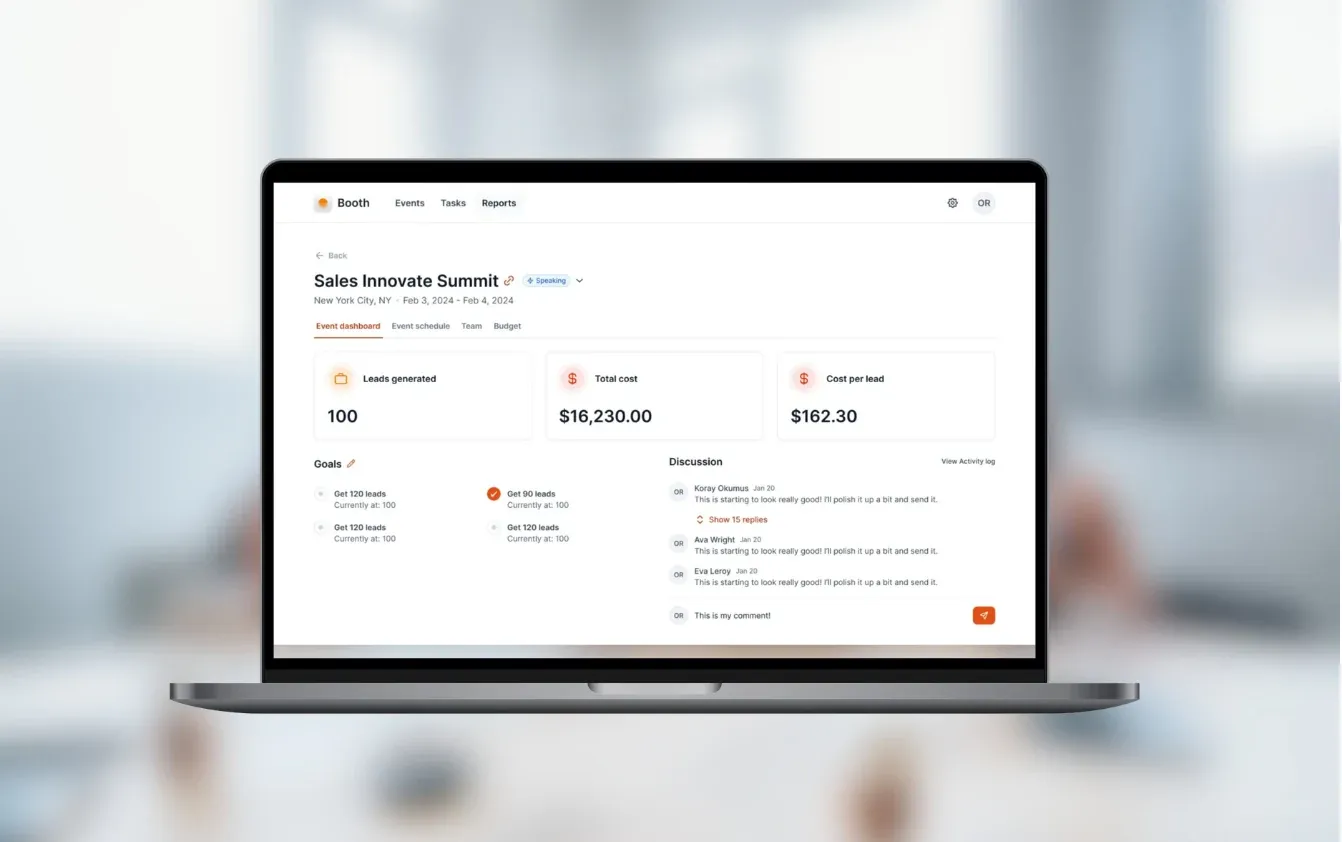
Conference management
Read the case study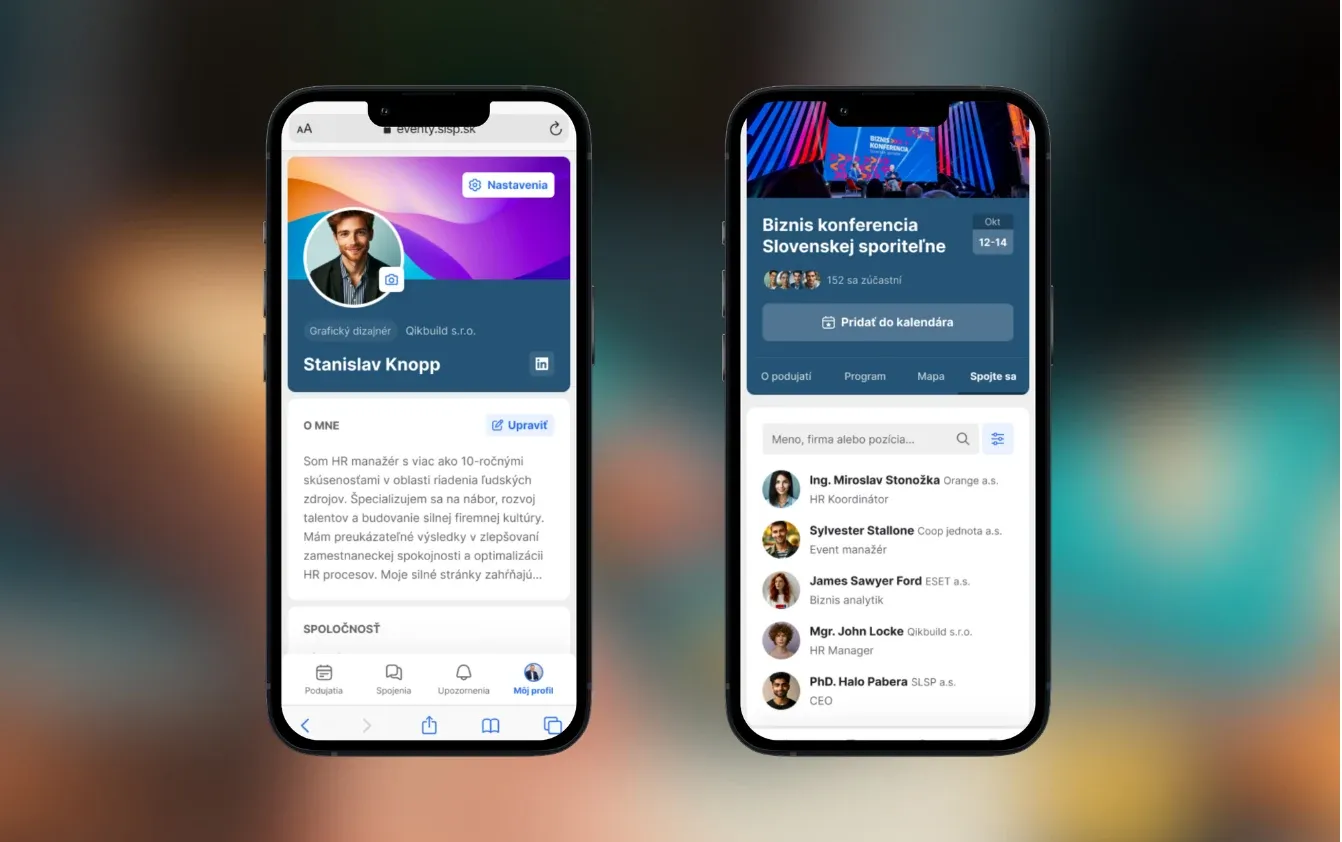
Event networking app for a bank
Read the case study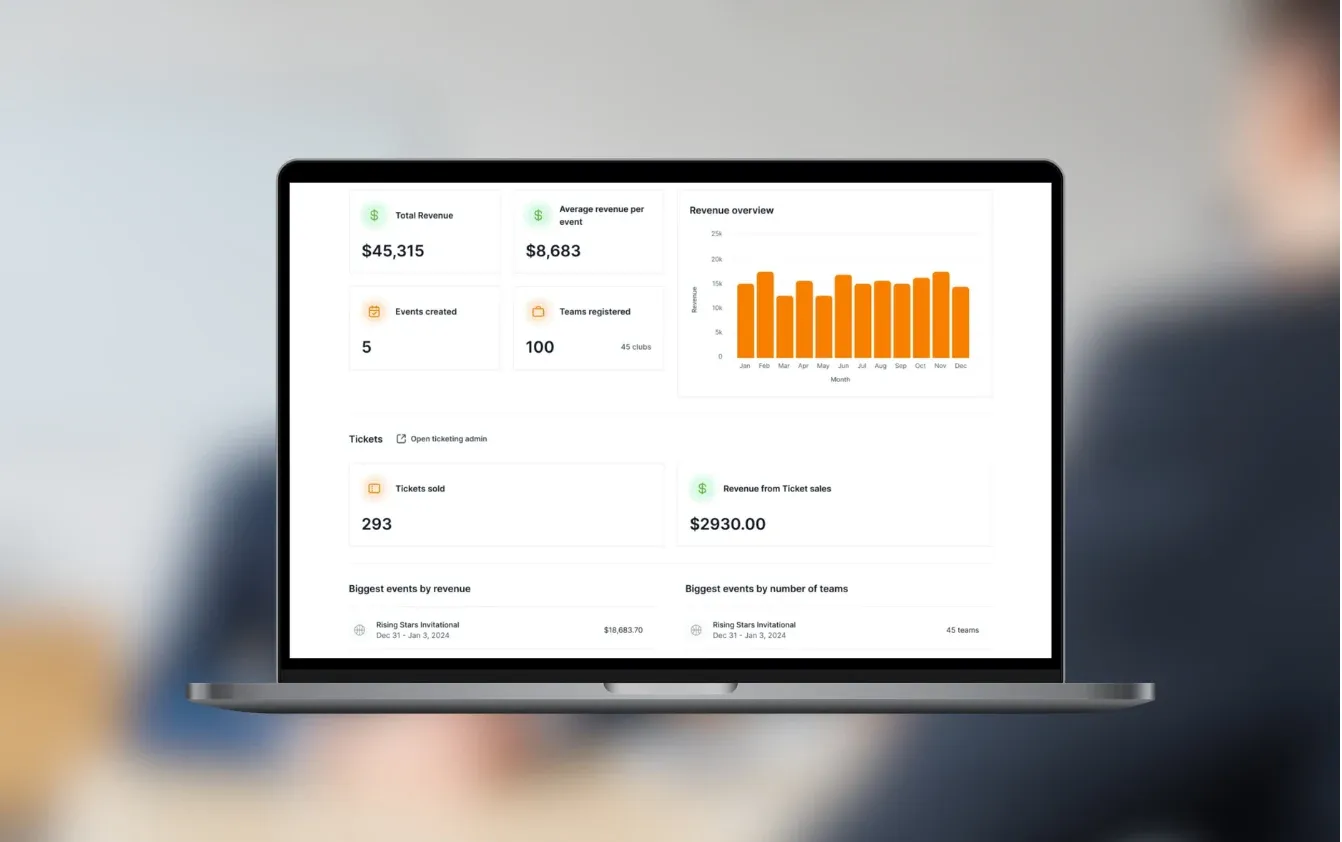
Management of sport tournaments and leagues
Read the case studyNo. A smaller event with an unusual format, such as team tournaments or invitation-only meetings, can need custom tools as much as a large conference. For a standard event, we’ll tell you if an off-the-shelf tool is enough.
Yes. We usually use Stripe for card payments, and Stripe Connect when money has to reach several organizers or venues, as we did for GamePlan Events. Companies can receive an invoice instead of paying by card.
Our past projects took 6 weeks to 3 months to reach a first version. Tell us your event date in the first call. If time is short, we launch registration and payments first and add networking later.
We plan for it. The attendee app keeps the program and the ticket on the phone, and check-in can carry on without a connection and sync later. We test on real phones before the event.
Yes, and that is where a custom platform pays off. Each new event gets its own program, prices and branding, while attendees, teams and settings carry over. Many organizers add features between events instead of rebuilding each time.
We collect only what the event needs, agree how long it is kept and who can see it, and let attendees choose what their profile shows to others. Data can be hosted in the EU. Your data protection officer or legal advisor confirms the final setup, as we don’t give legal advice.
Yes, from your event’s own information, such as the program, venue, parking and tickets. Questions it can’t answer go to your team. For a smaller event, a good FAQ page may be enough, and we’ll say so.
A registration and payment flow connected to 1–2 systems fits our €5–10k range. A platform with networking, organizer admin and check-in usually falls in the €10–30k range. We agree a fixed price after the project workshop, before any build starts.
Tell us the date, the format and what didn’t work last time. We’ll tell you what can be ready in time and what it would cost.

JurajCEO, QikBuild
You leave the call with
Or write to hello@qikbuild.com