
Stop copying between tools
Nobody should retype the same customer, order or invoice in three places. We connect the tools you keep and replace the ones you’ve outgrown.
Less retyping
Bring sales, documents and daily operations into one system
In a growing business, orders arrive by email, customers live in a CRM, invoices in the accounting system and everything else in spreadsheets. Someone spends hours every week copying between them and checking which version is current. We build one system that connects this work, follows how your company actually sells and delivers, and gives everyone the same view. You can start with one process for €5–10k and add the rest when it pays off.
Nobody should retype the same customer, order or invoice in three places. We connect the tools you keep and replace the ones you’ve outgrown.
Less retyping
Off-the-shelf tools make you work their way. A custom system follows how your company quotes, sells and delivers, including the exceptions.
Fits your process
Orders, open quotes, overdue invoices and team workload on one screen, updated as people work, not at the end of the month.
Live overview
Reminders, documents and reports run on their own, so each new customer adds less admin than the last.
Less routine admin
A typical sales-to-delivery loop after the system is built. Each piece of information is entered once and reused everywhere it’s needed.
From the projects we’ve built in this area.
Agree which job the team should complete without duplicate entry and how the pilot will verify it. When choosing the first version, these scenarios matter more than a long list of screens.
List the weekly tasks that involve copying or chasing, estimate the hours each one takes and start with the biggest. With us, one process connected to one or two of your tools costs €5–10k, and within weeks it shows whether the rest is worth building.
Accounting, payroll, email and file storage are solved problems. Keep them, and build only the part that is specific to how you work, such as quoting, job tracking or a client portal. The custom system connects to the rest.
Every move to a new system turns up duplicate customers, half-filled spreadsheets and three spellings of the same product. Plan a few days for cleaning and decide who owns each list from now on, or the new system inherits the old mess.
AI is useful for reading emails and PDFs into records, drafting quotes and summarising the week. For calculations, approvals and anything with a clear rule, a rule is cheaper and more reliable. If a simple rule does the job, we use the rule.
Most growing businesses use all three at some point. The question is which one should hold your core process.
| Spreadsheets | Off-the-shelf software | Custom system | |
|---|---|---|---|
| Cost to start | None | Monthly per-user fee | From €5k, one-off |
| Follows your exact process | Partly | Partly | Yes |
| Connects your other tools | No | Partly | Yes |
| Clear history of who changed what | Partly | Yes | Yes |
| You own the system | Yes | No | Yes |
| Who decides what changes | You | The vendor | You |
What we’ve built for clients in this field.
Recruitment operations platform · Europe
The problem
The business needed one internal system for candidate data, documents and connections to external job portals.
What we built
What changed: Candidate records, documents and job portal connections managed in one system.
Custom CRM replacement · Europe
The problem
The company had outgrown a generic CRM that no longer matched how it managed sales and operations.
What we built
What changed: A CRM with the sales stages, client records and dashboards the company needed.
Operations platform · Europe
The problem
The company needed a more connected system for project delivery, planning, know-how and warehouse work.
What we built
What changed: Project planning, shared instructions and warehouse tools in one system.
A typical timeline. We confirm yours after the project workshop.
Day 1
30-minute callYou walk us through the tools you use and where the time goes. You leave with what to build first and a rough price.
Week 1
Project workshopWe map the process with the people who do it, list the tools to connect and agree a fixed price before the build starts.
From week 2
Build in 2-week stagesA working demo every week. Your team tries it with real data early and tells us what doesn’t fit.
Launch
Switch overWe import your data, train the team and keep the old way available for a short overlap if needed. You own the code, the repositories and the accounts.
+3 months
Free bug fixesThen optional monthly support, or the next process on your list.
Systems we’ve built that are close to this one.
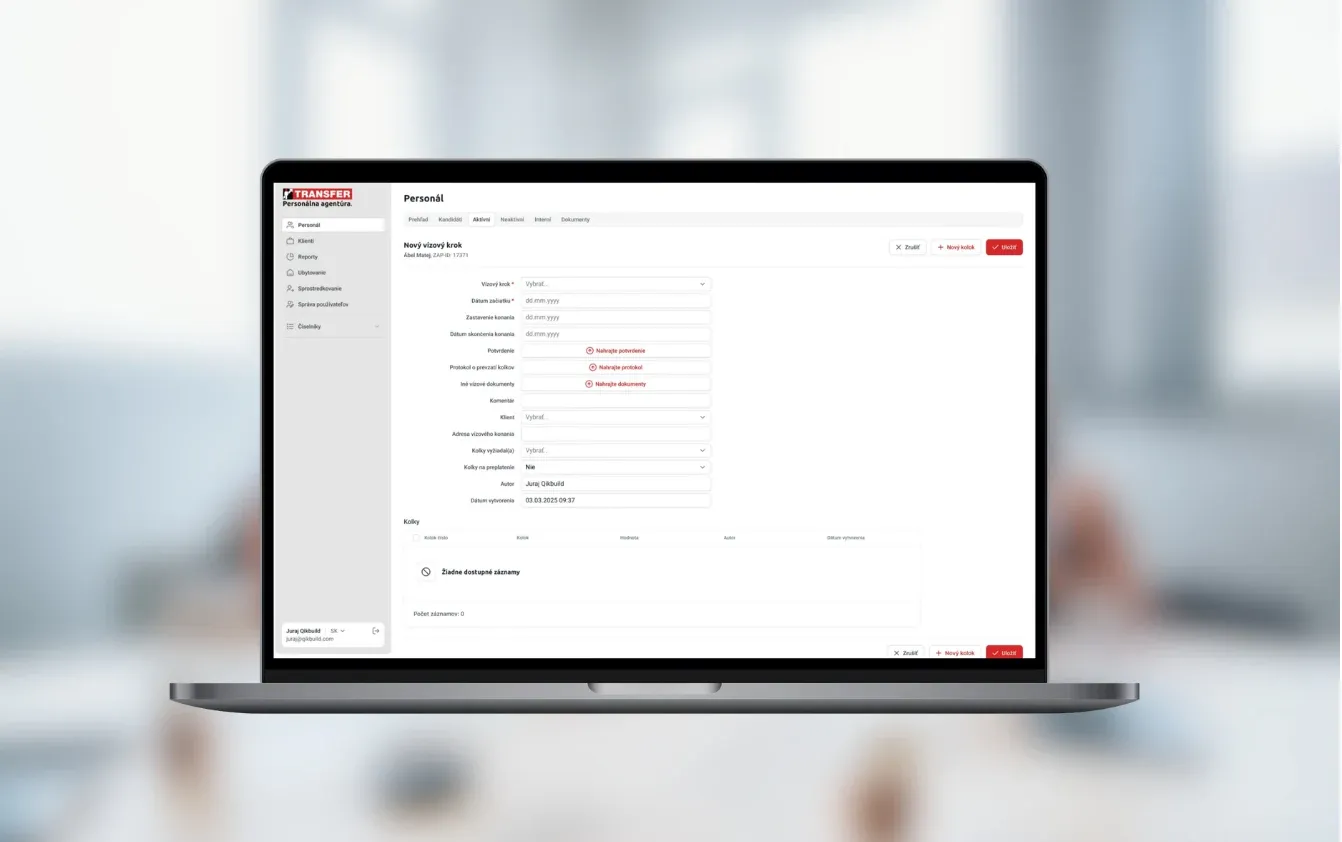
Workforce platform for temporary staffing, recruitment, compliance checks, and payroll administration
Read the case study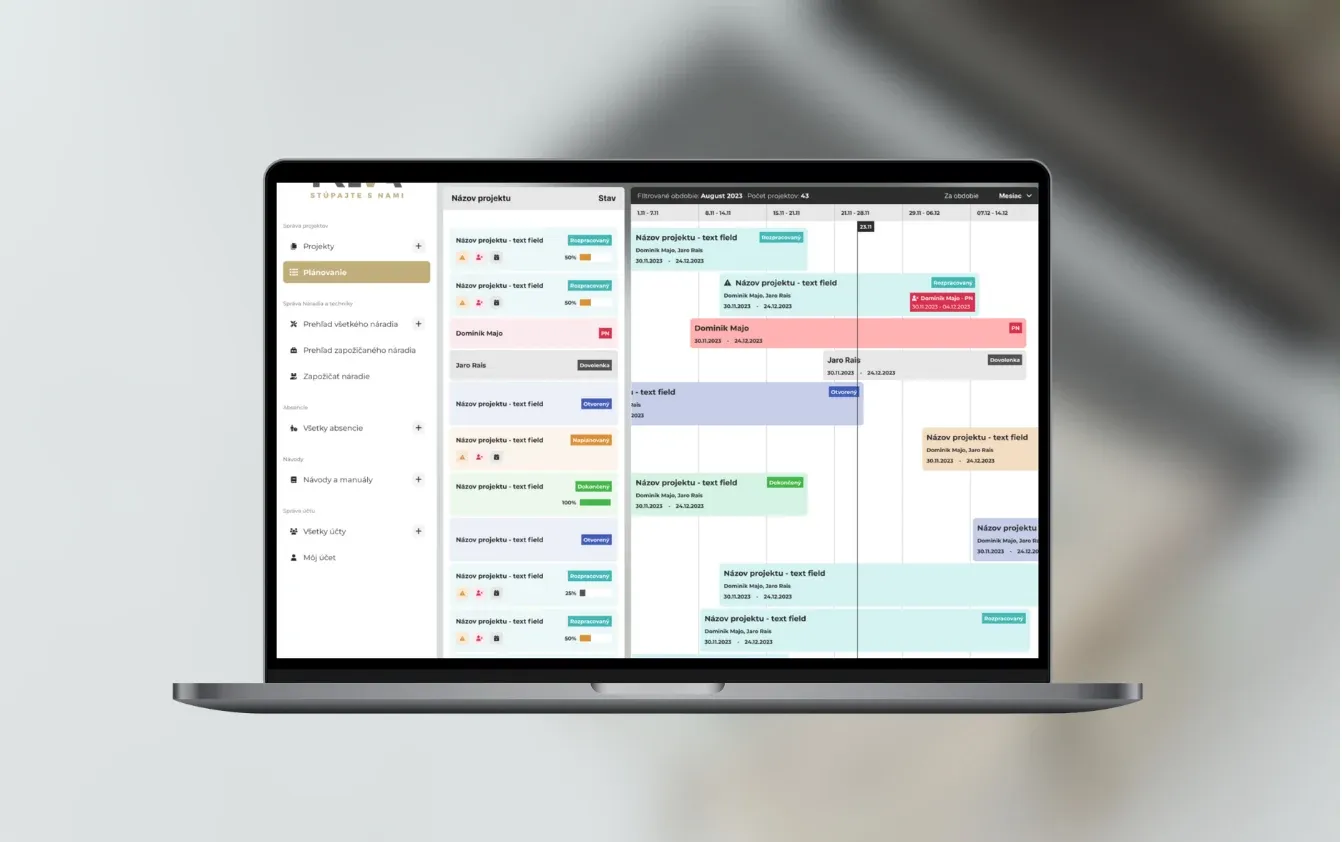
A construction project platform combining progress dashboards, assigned tasks, documents and team collaboration.
Read the case study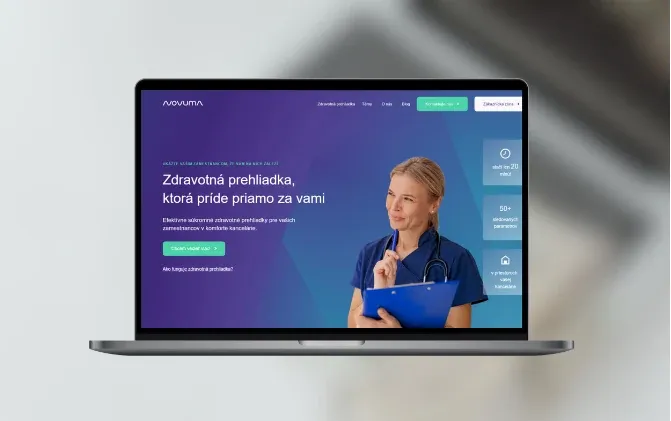
Novuma provides preventive health checkups for thousands of customers and manages their patient records.
Read the case studyIt can be, if the process it replaces costs you real time. A simple tool connected to one or two of your systems costs €5–10k with us. An illustration: five hours a week saved at €25 an hour comes to €5,750 over 46 working weeks. If the numbers don’t add up, an off-the-shelf tool is the better choice and we’ll tell you so.
No. We start with the process that takes the most time and connect it to the tools you keep. Other parts follow when the first one has proved its worth.
Yes. Replacing or extending a CRM is a common reason businesses come to us. If HubSpot or Pipedrive already does most of the job, we can keep it and build only what’s missing around it.
Usually yes. Most accounting and invoicing tools have an API or an import format. We check what yours allows before we quote, and if there is no way in, we design around it, for example with a regular export.
Our past projects took 6 weeks to 3 months to reach a first version. You see a working demo every week, so you can change direction early instead of at the end.
Where the input is messy and the work is repetitive, such as reading emails and PDFs, drafting quotes and replies, or summarising the week. A person checks anything that goes to a customer. For sensitive data we use providers with EU hosting or self-hosted models.
You do. At launch you get the code, the repositories and the accounts. We fix bugs free of charge for 3 months, then you can choose monthly support or have another developer take over.
The system changes with it. New features are added in the same 2-week stages, and because you own the code, you are never tied to us for the next step.
A CRM focuses on customer relationships and sales, while ERP usually connects a broader set of business operations. A custom business system starts with a specific workflow to connect or extend. It does not have to replace accounting or every existing application.
One workflow, a list of user roles, an anonymized data sample and the names of systems to connect. The estimate separates confirmed scope, assumptions and items needing technical verification.
Show us the tools and spreadsheets you use today. We’ll tell you which process to connect first and roughly what it would cost.

JurajCEO, QikBuild
You leave the call with
Or write to hello@qikbuild.com