Skip to content

Booking and reservation systems software

Bookings that follow your scheduling, pricing and capacity rules

When a booking tool can’t handle your prices, capacity or approvals, someone on your team fixes each booking by hand. We build reservation systems where your own rules decide what can be booked, at what price and by whom. Customers book, pay and get reminders in one go, and your staff see the schedule, payments and next tasks in one place. Calendars, the payment provider and your CRM stay connected.

  • Your rules for slots, capacity, prices and approvals
  • Booking, payment and confirmation in one step
  • Reminders, waitlists and changes without phone calls
  • Schedules, payments and reports in one admin

Does this sound familiar?

The situations where teams usually call us.

  1. Your booking tool can’t handle your prices, packages or capacity rules, so staff fix bookings by hand.

  2. Customers call or email to book, change or cancel, and someone has to check three calendars.

  3. Bookings, payments and invoices live in different tools and get reconciled at the end of the month.

  4. No-shows and late cancellations leave empty slots that nobody fills.

  5. You’re launching a new service or location, and a generic booking widget won’t cover it.

What happens when a customer books.

Your rules sit in the middle of the process, so the system never sells a slot you can’t deliver.

  1. A customer picks a slot On your website, in an app or by phone
  2. Your rules are checked Capacity, prices, age limits, time between bookings
  3. Payment or deposit Card, voucher or invoice, handled by the payment provider
  4. Everything updates at once Calendar, staff schedule and customer record
  5. Staff handle the exceptions Group requests, special prices, refunds
  6. Reminder, then the visit With a link to reschedule instead of a no-show
Most bookings go from the first step to the last without anyone on your team touching them. The ones that need judgment land in one list instead of an inbox.

What we’ve learned.

From the projects we’ve built in this area.

  • 1 page

    Write the rules down before choosing a tool.

    Booking projects stall on rules nobody has written down, such as who gets which price, how many people fit and what a late cancellation costs. A one-page rulebook tells you whether an off-the-shelf tool is enough or whether you need custom software.
  • Payments are harder than the calendar.

    Deposits, refunds, vouchers, payouts to several locations and invoices for companies take longer to build and test than the booking screen. Plan them into the first version, or staff will keep reconciling by hand.

  • Let customers move a booking themselves.

    A reminder with a one-click reschedule link turns a likely no-show into a free slot you can still fill. A waitlist then offers it to the next person. These are simple rules. No AI is needed.

  • 3 months

    Test a new service before building everything.

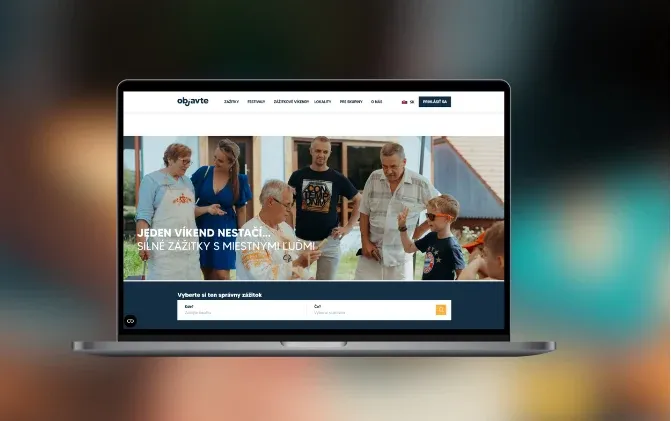
    Objavte is a nonprofit offering activities in Slovak regions. The first version of their booking platform and admin was ready for customer testing within 3 months. With a working product, they could collect customer feedback and apply for more funding.

What we can build.

  • For customers

    • Booking flows for appointments, classes, rooms, tours or packages
    • Online payment, deposits, vouchers and promo codes
    • Changes and cancellations within your rules, without calling
    • Confirmations and reminders by email and SMS
  • Rules and capacity

    • Capacity per slot, room, staff member or piece of equipment
    • Prices by season, time, group size or customer type
    • Waitlists, approvals and buffer time between bookings
    • Several locations and services in one system
  • For your team

    • Admin calendar where bookings can be moved and edited
    • Staff schedules and tasks tied to bookings
    • Customer records with booking and payment history
    • Reports on occupancy, revenue and no-shows
  • Connections

    • Payment providers such as Stripe, with payouts per location through Stripe Connect
    • Google and Outlook calendars
    • CRM, accounting and invoicing
    • Phone bookings through an AI voice agent, when calls are a big channel

A booking tool, industry software or a custom system?

Ready-made tools are cheaper and faster to start with. The question is how much of your process they can carry.

Booking tool (Calendly, Reservio)Industry software (gyms, clinics, hotels)Custom booking system
Ready to use this week Yes Yes No
Your own pricing and capacity rules Partly Partly Yes
Several locations and services Partly Yes Yes
Deposits, refunds and vouchers Partly Yes Yes
Connected to your other systems Partly Partly Yes
Upfront cost None Low Fixed project price
Ongoing cost as you grow Per user or booking Per location Hosting and support
With one location and standard appointments, the first column is usually the right answer. Custom pays off when your rules, payments and integrations are what make the service work.

How the first version comes together.

A typical timeline. We confirm yours after the project workshop.

  1. Week 1

    Write down the rules

    In the project workshop we map how a booking is made, paid, changed and cancelled, and every rule behind it.

  2. Weeks 2–5

    Build booking and admin

    The customer booking flow, the admin calendar and payments, built in 2-week stages with a demo every week.

  3. Weeks 6–8

    Test with real bookings

    One service or location goes live, often next to the old tool, while we fix what real customers run into.

  4. Then

    Add locations and features

    Waitlists, vouchers, memberships, reports and more locations, in order of the time they save.

Our first versions take 6 weeks to 3 months. Objavte’s booking platform was ready for customer testing within 3 months.

Case studies.

Systems we’ve built that are close to this one.

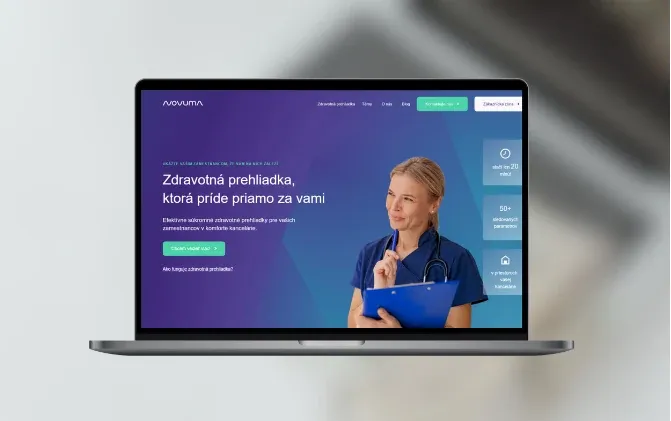
  • Novuma

    Healthcare · Bratislava, Slovakia

    Health checkups portal and booking system

    Novuma provides preventive health checkups for thousands of customers and manages their patient records.

    Read the case study
  • Objavte

    NGO, Tourism · Košice, Slovakia

    Activities discovery platform

    Custom-made booking platform for activities in Slovak regions.

    Read the case study
  • Sprout

    Sports Management · Springboro, OH

    Making gym management easier

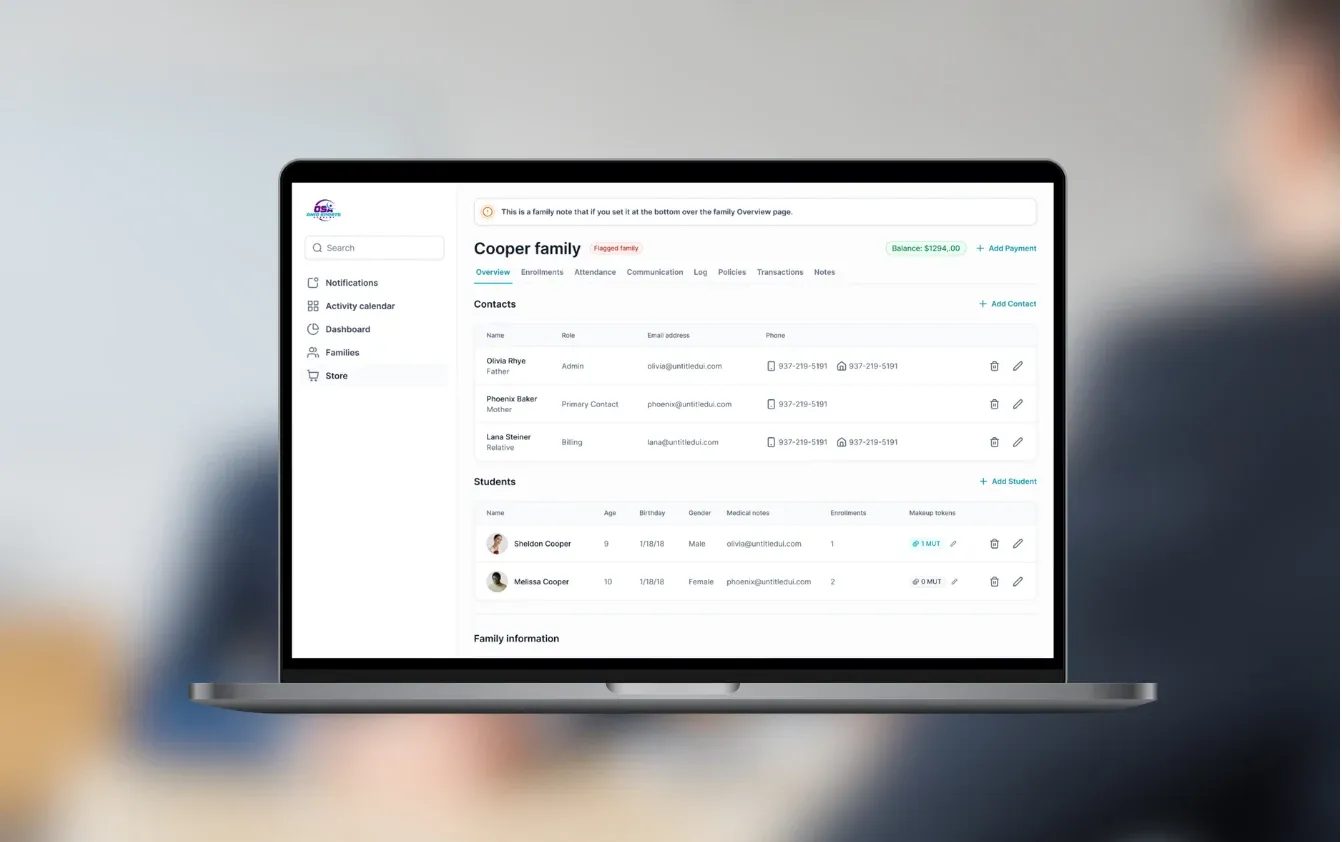
    Gym SaaS for class enrollment, parent self-checkout, and Stripe Connect billing

    Read the case study

Questions people ask.

Why not just use Calendly, Reservio or a similar tool?

If one fits, use it, because it is cheaper and ready today. Custom makes sense when your pricing, capacity or approval rules don’t fit their settings, or when you run several locations. It also makes sense when bookings must connect to payments, staff schedules and your CRM.

Can you replace our existing booking tool?

Yes. We can replace it at once, or run both side by side and move one service or location at a time. Existing customers and future bookings are imported, so nothing is lost.

Can customers pay online?

Yes. We connect payment providers such as Stripe, with deposits, refunds, vouchers, promo codes and recurring payments for memberships. With several locations, each one can receive its own payouts through Stripe Connect, as in the gym software we built for Sprout.

Can it handle classes, memberships and recurring bookings?

Yes. Recurring class schedules, capacity and age rules, waitlists and credits for missed classes are all patterns we’ve built before. Sprout’s software for gyms and studios is one example.

Can people still book by phone?

Yes. Staff can book through the admin, or an AI voice agent can answer calls and book straight into the same calendar. The agent is worth it when a large share of your bookings still comes in by phone.

Do you build with no-code tools?

When it fits. For Novuma we rebuilt their health check-up booking apps with no-code tools, and they saved 80% of development time and cost compared with custom development. For complex rules or high volumes we write custom code. Either way, you own the result.

What does it cost and how long does it take?

A booking system with payments and an admin usually falls in our €10–30k range. Several locations and many integrations take it above €30k. First versions take 6 weeks to 3 months, and we agree a fixed price after the project workshop, before the build starts.

How do you handle customer data and GDPR?

We collect only what the booking needs, set how long it is kept and host it in the EU when required. Card details stay with the payment provider and never touch your servers.

Which bookings does your team still fix by hand?

Tell us how a booking works today, from the first click to the visit. We’ll tell you whether a ready-made tool will do, or what a custom first version would cost.

JurajCEO, QikBuild

You leave the call with

  • What we would build first
  • A rough price range
  • Whether custom software makes sense for you
Book a 30-minute call

Or write to hello@qikbuild.com