
Accept the first version with a client.
Choose a few clients with a current task. Check the invitation, access to the right records, completion and handover to your team. The number of registered accounts alone does not show the portal’s benefit.
Give clients one place to check progress, share files and send requests
“Any update?” emails, documents sent to the wrong address and invoices nobody can find take hours out of your team’s week. We build client portals where customers see the status of their order, case or project, upload what you need, approve, sign and pay. The portal reads from the systems your team already works in, so nobody updates two places. Your team answers the questions that need a person, not the ones a status page could.
The situations where teams usually call us.
Clients email to ask for status because there is nowhere they can see it themselves.
Onboarding a new client means a week of emails, attachments and missing documents.
Your team sends the same reminders and document requests every month.
Each client has several people who need different access, and shared folders can’t handle it.
Clients use four tools to work with you, from email and a file share to an e-signature service and invoices.
The portal doesn’t keep its own copy of the truth. It shows what your systems already know and sends the client’s actions back to them.
From the projects we’ve built in this area.
Choose a few clients with a current task. Check the invitation, access to the right records, completion and handover to your team. The number of registered accounts alone does not show the portal’s benefit.
Clients rarely log in to explore. They come to check where things stand, upload what you asked for and leave. Get those three right before adding forums, chat or dashboards.
If your team updates status in a spreadsheet once a week, the portal will show week-old news. Sometimes the real first step is moving that work into a system, so the portal can read live status from it.
In B2B work one client company has a buyer, an accountant and a manager, and each needs different access. Changing the permission model after launch touches every screen, so we agree the roles in the project workshop.
A portal nobody logs in to just adds another channel. Invite clients with a link that opens straight on their case, without setting a password first. Keep sending key updates by email, with a link back to the portal.
Many CRMs and helpdesks include a basic client portal. Here is how the options compare.
| Email and shared folders | Ready-made portal (CRM add-on or SaaS) | Custom client portal | |
|---|---|---|---|
| Ready to use this week | Yes | Yes | No |
| Upfront cost | None | Low | Fixed project price |
| Clients see live status | No | Partly | Yes |
| Your own steps and approvals | No | Partly | Yes |
| Access per company and role | No | Partly | Yes |
| Connected to selected systems | No | Partly | Depends on available interfaces |
| Cost as clients grow | None | Per user or seat | Hosting and support |
A typical timeline. We confirm yours after the project workshop.
Week 1
Pick one client journeyIn the project workshop we choose one process, such as onboarding or order status, and map what clients need to see and do.
Weeks 2–5
Build the portal and connectionsLogin and roles, status pages, document requests and the connection to your CRM or ERP, with a demo every week.
Weeks 6–8
Pilot with a few clientsA handful of friendly clients use it for real, and we fix what confuses them before everyone gets an invite.
Then
Add the next journeysPayments, e-signatures, more client types or a mobile app, based on what clients actually use.
Systems we’ve built that are close to this one.
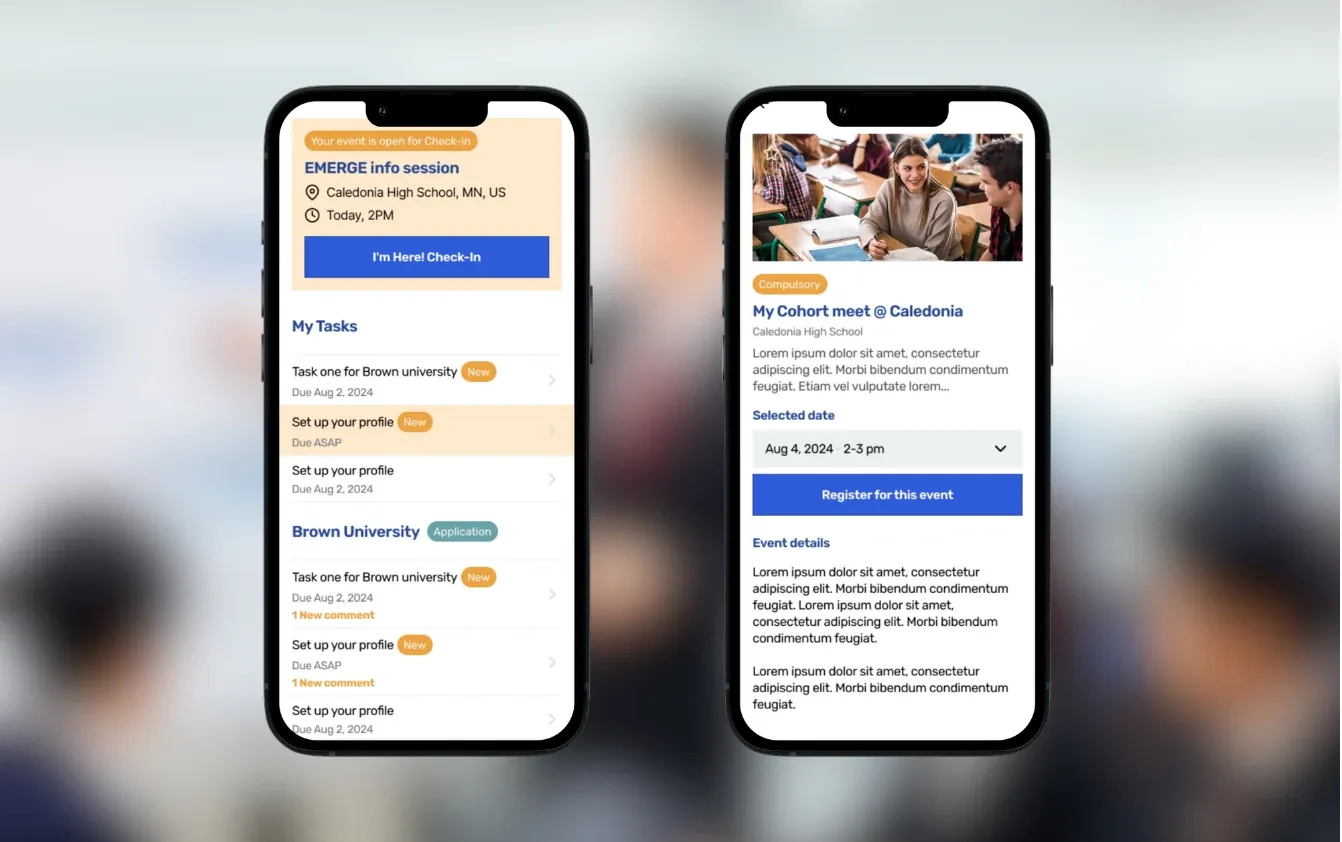
College-access platform for recruitment, scholar success, and alumni tracking
Read the case study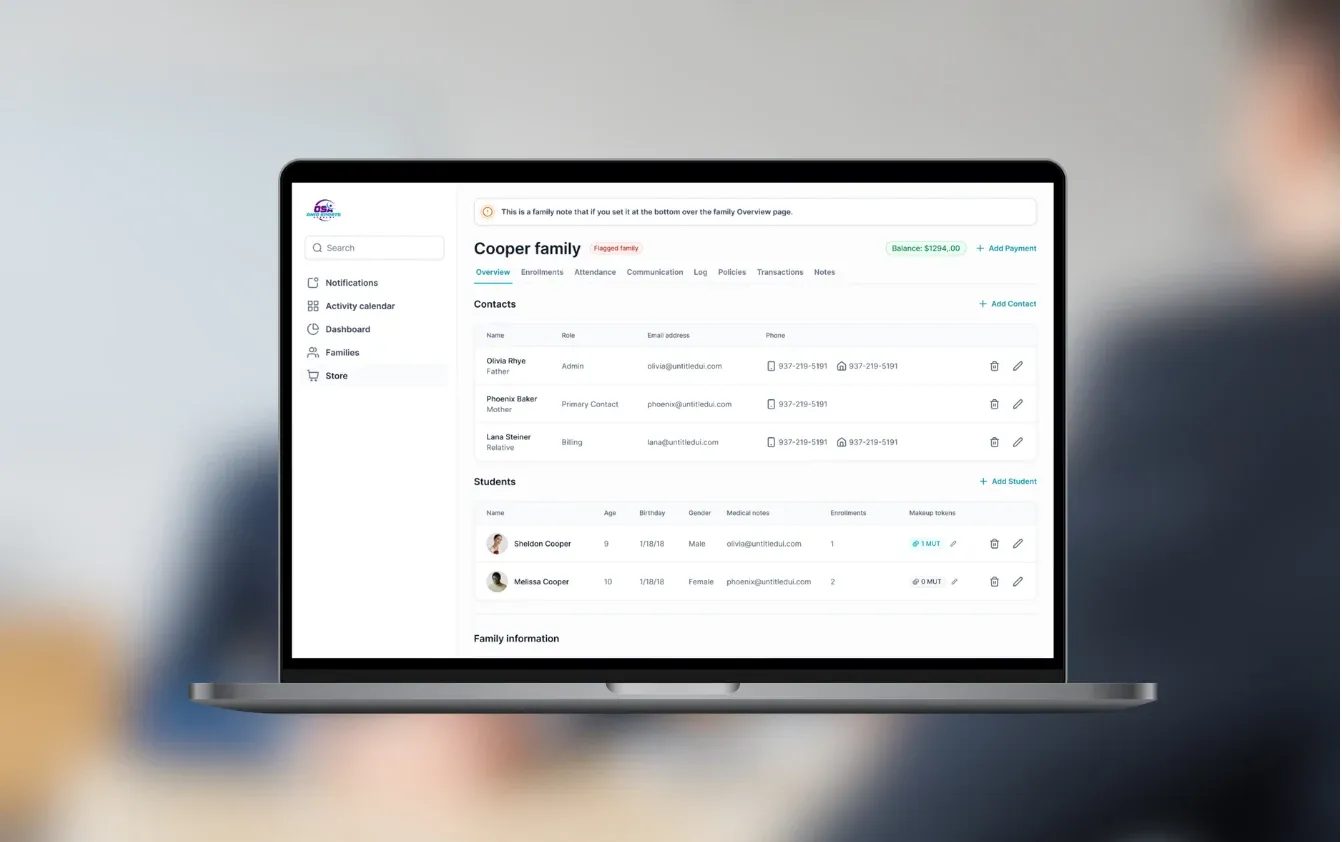
Gym SaaS for class enrollment, parent self-checkout, and Stripe Connect billing
Read the case study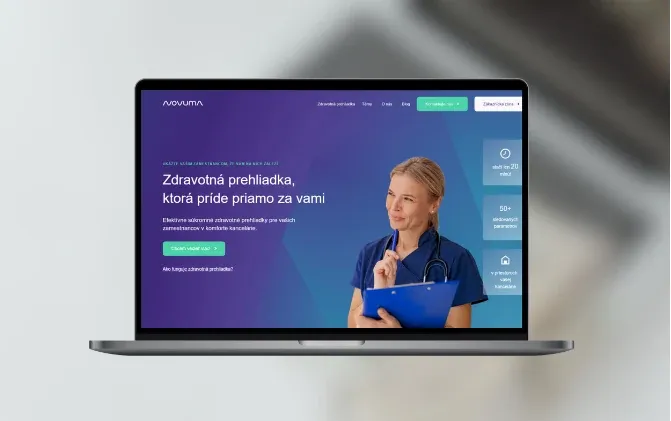
Novuma provides preventive health checkups for thousands of customers and manages their patient records.
Read the case studyNo. Smaller teams often benefit most, because the people doing the work are the same people answering status emails. A first portal can cover a single process, such as onboarding new clients.
Yes. We connect the portal to CRMs such as HubSpot, Pipedrive or Salesforce, to invoicing and accounting tools and to your own databases through their APIs. The data stays in those systems. The portal shows it and writes the client’s actions back.
Yes. Access is set per client company, per role and per person, for example a buyer who sees orders and an accountant who sees invoices. Every view and download can be logged.
Each company’s data is separated and checked on every request, not just hidden in the interface. We add two-factor login or company single sign-on where needed, encrypt data in transit and at rest, and host in the EU. If you need an external penetration test, we plan it before launch.
Where it helps. A sensible start is drafting answers to common questions from your own documents and the client’s records, with your team checking anything unusual before it goes out. We keep complaints, refunds and legal questions with people.
Yes. We can extend it, or rebuild it in stages while the old one keeps running. We look at the code and the data first and tell you which option is cheaper.
A simple portal for one process can start in our €5–10k range. Most portals with roles, documents and integrations fall between €10k and €30k, and platforms with several apps go above €30k. First versions take 6 weeks to 3 months, at a fixed price agreed after the project workshop.
You do. The code, repositories and accounts are yours from launch. We fix bugs for free for 3 months, then offer optional monthly support.
One complete client journey, such as checking status and supplying documents. Agree the user invitation, permissions, status source and the next task for your team. Add payments, chat or a mobile app when that journey needs them.
We agree which records can show their last update time and which operations must wait. Failed transfers have a visible status and a responsible person. Repeated operations are tested to avoid unintended duplicates.
Send us the five questions clients ask most often and tell us which systems hold the answers. We’ll tell you what a first portal should cover and what it would cost.

JurajCEO, QikBuild
You leave the call with
Or write to hello@qikbuild.com