Skip to content

Document management systems and document automation software

Keep versions, approvals and signatures in one place, and let the system fill in the paperwork

Contracts get built by editing an old file, approvals happen in email threads, and nobody is sure which version the client signed. We build document systems that create documents from your data and templates, send them for approval and e-signature, and file the signed copy against the right client or project. Documents that arrive from outside, such as invoices, orders or forms, are read by AI and the fields filled in for a person to check. Every step leaves a record of who changed, approved or signed what.

  • Documents generated from your data and templates
  • Approvals and e-signatures with a full history
  • Access by role, for staff and for clients
  • AI that reads incoming PDFs and fills in the fields

Does this sound familiar?

The situations where teams usually call us.

  1. You copy names, prices and dates from your CRM into Word templates by hand, and mistakes still slip through.

  2. Nobody can say for sure which version the client signed or who approved the last change.

  3. Invoices, orders and forms arrive as PDFs, and someone retypes them into your system.

  4. You collect documents from clients by email and chase the missing ones one by one.

  5. Finding an old contract or the current policy means asking the one colleague who knows where it is.

What happens to an incoming document.

The same system creates documents from templates and handles the ones that arrive from outside. This is the second path: an incoming invoice, order or form.

  1. A document arrives By email, upload or scan, as a PDF or a photo
  2. AI reads it Recognises the type and pulls out names, dates and amounts
  3. Rules check the fields Totals add up, the supplier exists, the order matches
  4. A person checks exceptions Only the documents that failed a check
  5. It goes for approval To the right approver by amount or department
  6. Filed and synced Stored with its history, ERP or accounting updated
AI does the reading, simple rules do the checking. People see only the documents where the two disagree.

What we’ve learned.

From the projects we’ve built in this area.

  • 1 type

    Start with one document type.

    Projects that try to organise every file in the company tend to stall. Pick the document that costs the most time, such as supplier invoices, employment contracts or client onboarding forms, and build its whole path from arrival to archive. The second type goes much faster once the first one works.

  • Templates beat AI for documents you write.

    If a contract is the same text with different names, dates and prices, a template filled from your CRM is cheaper, faster and never invents a clause. AI earns its place where the input is messy: reading incoming PDFs, comparing a counterparty’s edits with your standard terms, or summarising a long contract for the person approving it.

  • Test accuracy on your own documents.

    Reading a clean, typed invoice is easy. Scans, phone photos, handwriting and tables that run across pages are not. Before the build we run a sample of your real documents through the extraction and show you which fields come out right. You know up front how much will still need a person.

  • Decide who sees what before anything is built.

    In a document system the hard design work is permissions, not storage: which client sees which folder, who approves above which amount, what happens to files when an employee leaves. Writing these rules down in the workshop saves rework later, and they’re exactly what you’ll need when someone asks who saw a document.

What we can build.

  • Creating documents

    • Contracts, offers and letters generated from templates and your data
    • Optional clauses and sections chosen by rules, such as client type or country
    • Word and PDF output in your own layout
    • Bulk generation, for example addenda for all employees at once
  • Approvals and e-signatures

    • Approval routes by amount, department or document type
    • E-signatures through providers such as DocuSign, Dropbox Sign or Eversign
    • Version history showing who changed, approved and signed what, and when
    • Reminders for documents waiting on someone
  • AI for incoming documents

    • Fields read from invoices, orders, ID documents and forms
    • Checks against your own data, such as suppliers, orders and totals
    • A review queue for documents the system isn’t sure about
    • Contract summaries and deviations from your standard terms
  • Access, search and integrations

    • Roles and permissions per client, project or department
    • A client portal for uploading and downloading documents
    • Search by meaning, with answers that link to the source file
    • SharePoint, Google Drive, CRM, ERP and accounting systems through their APIs

A shared drive, an off-the-shelf DMS or a custom system?

A shared drive with email, a ready-made document management system (DMS) or a custom build are each the right answer for someone. This is how they compare once approvals and signatures are involved.

Shared drive and emailOff-the-shelf DMSCustom system
Version history Partly Yes Yes
Approval routes that follow your rules No Partly Yes
Documents filled from your CRM or ERP No Partly Yes
AI reading of incoming documents No Partly Yes
Ready to use Today In days In 6+ weeks
Upfront cost None Low Fixed build price
Ongoing cost Low Per user, monthly Hosting and support
If your documents follow a standard path, an off-the-shelf DMS is often enough. Custom pays off when documents depend on your own data and rules, and it can sit on top of the storage you already have.

How the first version comes together.

A typical timeline. We confirm yours after the project workshop.

  1. Week 1

    Follow one document

    In the project workshop we trace one document type from creation or arrival to the archive with the people who handle it, and collect real samples. You get a fixed price before the build starts.

  2. Weeks 2–5

    Build in two-week stages

    Templates, approval routes, permissions and the first integration. You see a working demo every week.

  3. Week 6

    Pilot on live documents

    One team uses it for one document type. Real documents show what the samples missed, and we adjust.

  4. Then

    Add types and channels

    More document types, the client portal or AI reading. You own the code and accounts, and bug fixes are free for 3 months.

A first version usually takes 6 weeks to 3 months, depending on the number of document types and systems involved.

Case studies.

Systems we’ve built that are close to this one.

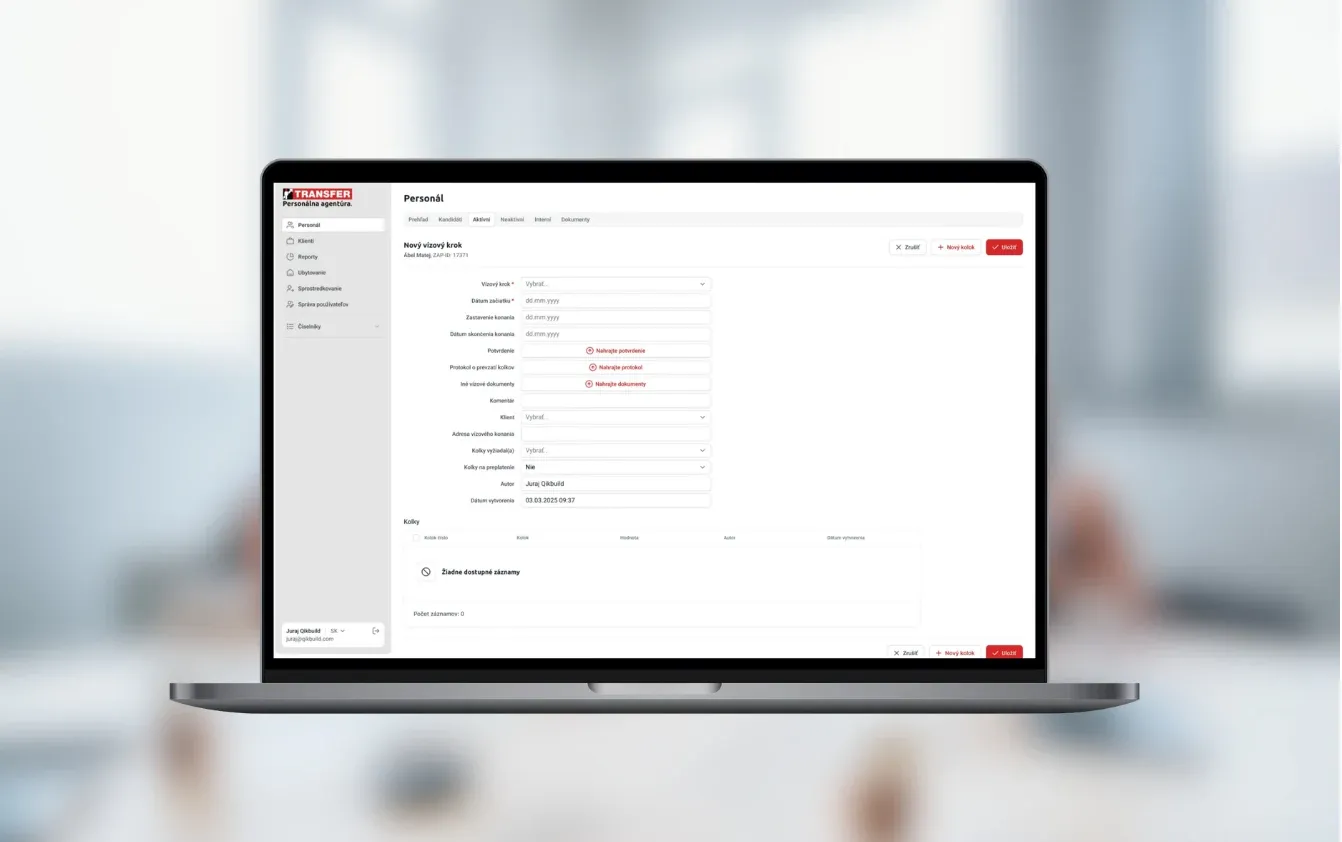
  • Transfer International

    HR & Recruitment · Slovakia

    Candidate and employee management

    Workforce platform for temporary staffing, recruitment, compliance checks, and payroll administration

    Read the case study
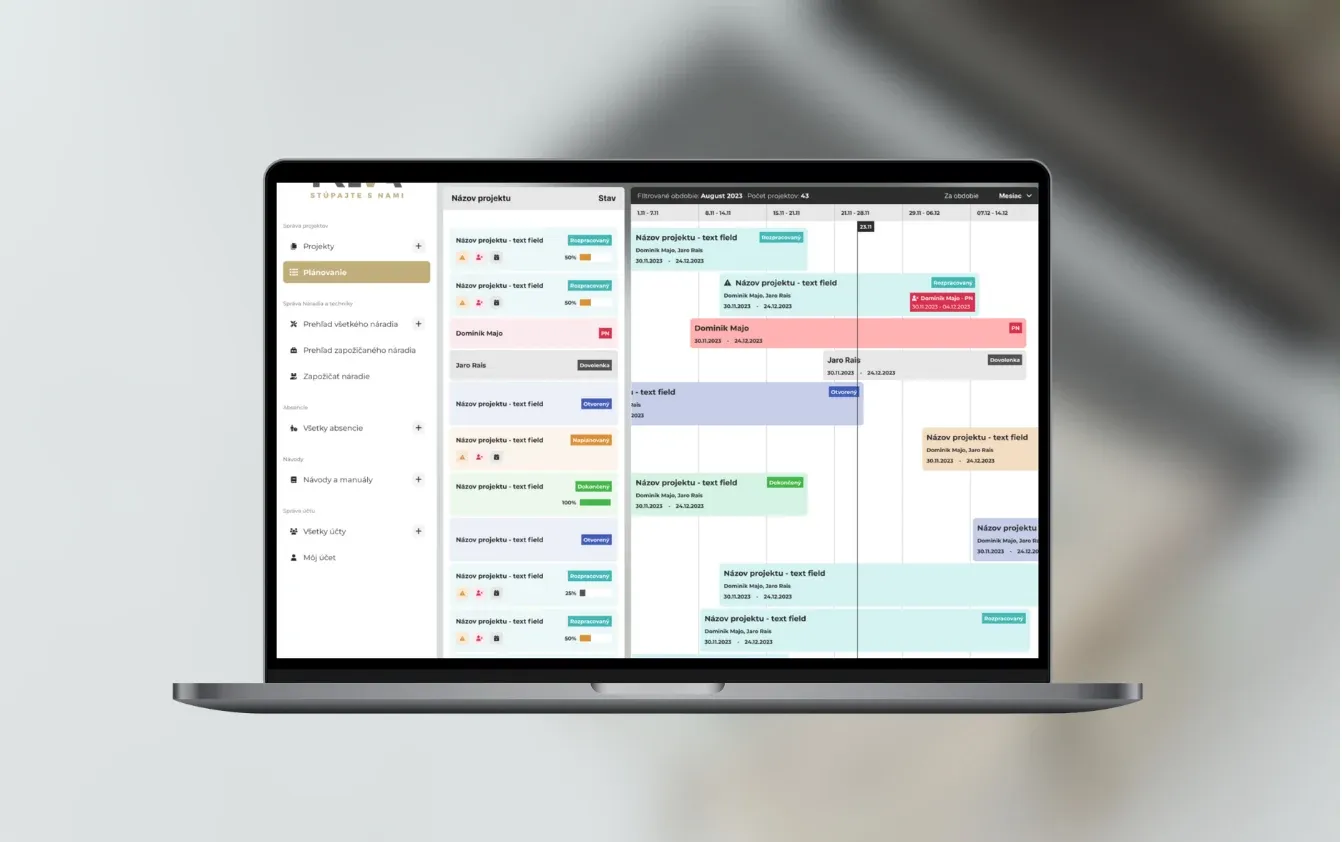
  • Treva

    Construction · Bratislava, Slovakia

    Managing construction projects

    A construction project platform combining progress dashboards, assigned tasks, documents and team collaboration.

    Read the case study
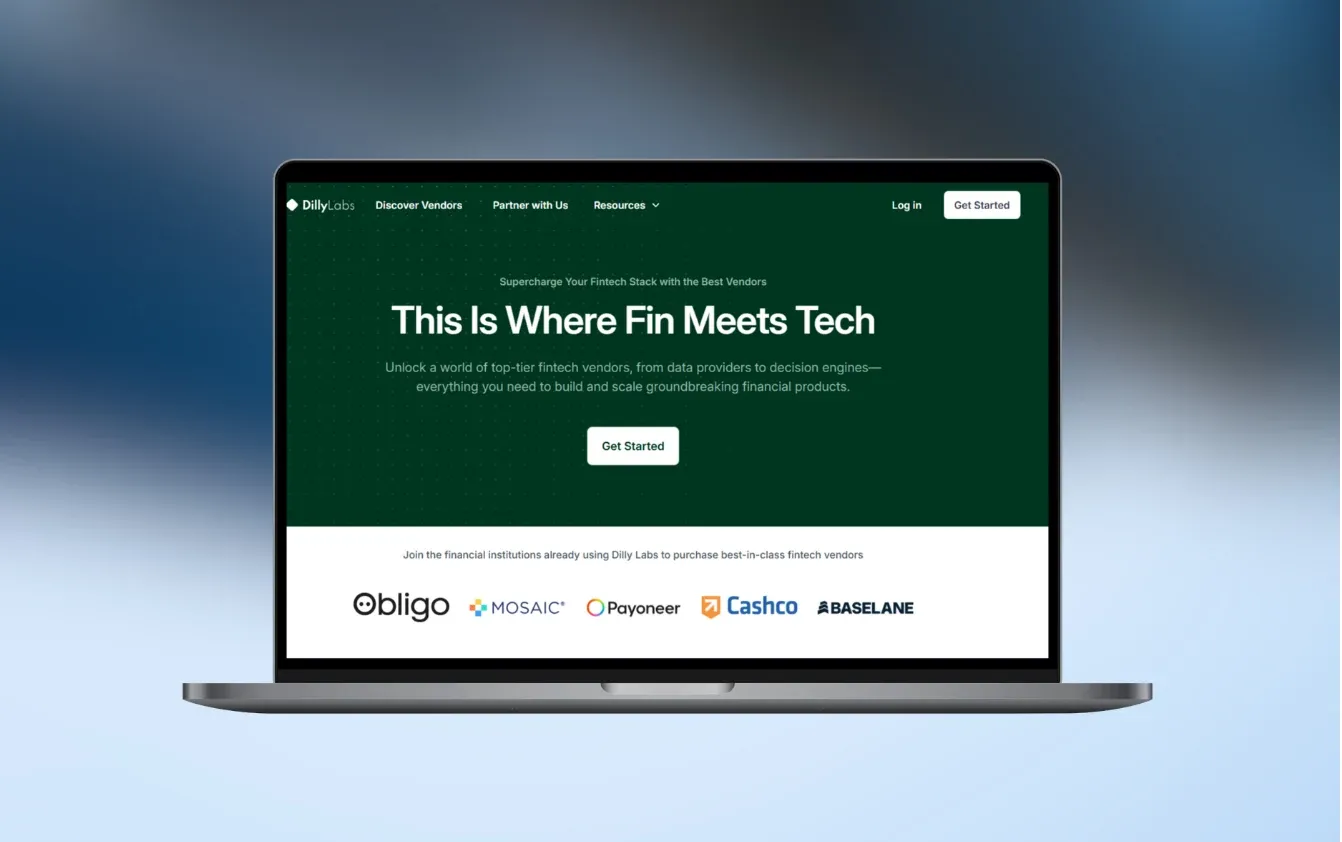
  • Dilly Labs

    Fintech · San Francisco, CA

    A platform for choosing financial technology vendors

    Tools for financial institutions to compare vendors, collect proposals, and record their decisions

    Read the case study

Questions people ask.

Do we need to replace SharePoint, Google Drive or our current DMS?

Usually not. Files can stay where they are, and we add what’s missing: templates, approval routes, statuses and permissions. We replace the storage only when it is the actual problem, for example when you can’t safely give clients access to it.

How accurate is AI at reading invoices and forms?

On clean, typed documents most fields come out right. Scans, photos and unusual layouts are harder. We test on a sample of your real documents before the build, add checks against your data and send anything uncertain to a person. You decide which fields a person must always confirm.

Which e-signature providers can you connect?

Providers with an API, such as DocuSign, Dropbox Sign or Eversign. If some documents need a qualified electronic signature under eIDAS, we choose a provider that offers it. The signed file and the signature record are saved against the right client or project.

What does a document system cost?

A single process, such as generating and signing one type of contract or reading supplier invoices into your accounting, typically costs €5–10k. A connected system with several document types, a client portal and integrations is usually €10–30k. We agree a fixed price after the project workshop, before any build starts.

How long does a first version take?

Usually 6 weeks to 3 months, depending on how many document types, approval routes and systems are involved. You see a working demo every week, so templates and rules get checked against real documents early.

Where are our documents stored, and what about GDPR?

We agree where files and extracted data live: in your own cloud account, in the EU, or in the storage you already use. Access is limited by role and logged. When AI reads documents, we use providers with EU data hosting that don’t train on your data, or a self-hosted model if documents must not leave your systems.

Who owns the system?

You do. The code, repositories and accounts are yours from launch. The first 3 months of bug fixes are included, and after that you can choose monthly support or run it yourselves.

Can we search our documents with AI?

Yes. The system can answer questions such as “what is our notice period with this supplier?” and link to the passage it used, so the answer can be checked. It only searches documents the person asking is allowed to see.

Which documents is your team still putting together by hand?

Send us one or two typical documents and describe how they get approved. We’ll tell you what to automate first and roughly what it would cost.

JurajCEO, QikBuild

You leave the call with

  • What we would build first
  • A rough price range
  • Whether custom software makes sense for you
Book a 30-minute call

Or write to hello@qikbuild.com